What's on this page
- Before you start
- Step 1: Scout the scene and plan your frame count
- Step 2: Mount the camera and level the tripod
- Step 3: Switch to manual exposure, white balance, and focus
- Step 4: Meter for the brightest part of the scene
- Step 5: Shoot overlapping frames in a steady sweep
- Step 6: Stitch the frames in software
- Step 7: Crop and fix the seams
- A soft vignette is a real stitching trap
- Panorama beyond landscapes
- A worked example: one coastline panorama from start to finish
- Common mistakes to avoid
- Troubleshooting the trickiest moments
- Your panorama checklist
- The bottom line
Short answer: Panorama photography works by mounting the camera level, switching to manual exposure, white balance, and focus so nothing shifts between frames, metering for the brightest part of the scene, and rotating through a series of frames that each overlap the last by roughly 25 to 35 percent. Those frames are then combined in stitching software into one wide, high-resolution image that covers far more of the scene than any single frame from the same lens could capture.
A panorama solves a problem a single frame cannot: a scene wider than any lens on your camera can fit, a sweeping coastline, a mountain ridge, a city skyline, without stepping back so far that everything in it shrinks to nothing. The fix is not a wider lens. It is several ordinary frames, each covering a slice of the scene, rotated through and overlapped enough that software can recognize where one ends and the next begins, then blended into a single wide image at a resolution no single exposure could match. The idea is simple to describe. Getting a clean stitch with no visible seams, mismatched exposure, or ghosted motion takes the same discipline a long exposure or a timelapse needs: lock everything down before the first frame, and change nothing until the last one.
This field note treats panorama stitching as a composition and manual exposure technique built on fundamentals covered elsewhere on this site, so it leans on sibling field notes rather than re-explaining them. The manual exposure mechanics in Step 3 build on our walkthrough of manual mode and our exposure triangle field note, the tripod and leveling choice in Step 2 is covered in full in how to choose a tripod, and lens coverage connects to our wide-angle lens field note and our focal length field note. Price your own kit as you read with the upgrade budget planner.
Key takeaways
- A panorama stitches several overlapping frames into one wide image, capturing more of a scene at higher resolution than any single frame from the same lens could.
- Lock manual exposure, white balance, and focus before the first frame and leave them untouched, since any automatic shift between frames creates a visible seam.
- Overlap each frame with the next by roughly 25 to 35 percent, enough for stitching software to find and match shared detail without shooting far more frames than needed.
- A dedicated panoramic tripod head matters for close-range scenes with real parallax; distant landscapes stitch cleanly from an ordinary tripod or even handheld.
- Meter for the brightest part of the scene before you start, since a blown-out sky is far harder to recover afterward than a slightly underexposed foreground.
Before you start
Panorama photography is beginner-friendly in terms of the shooting itself, a steady rotation through a handful of overlapping frames, but it rewards planning more than it first appears, because every decision about exposure and leveling has to be made before the first frame rather than fixed afterward. Plan for a shoot that takes longer than a single-frame photo of the same scene, since metering, locking settings, and shooting a full sequence carefully takes real minutes, not seconds, and a rushed sequence is the most common cause of a stitch that fails or shows visible seams. The stitching itself, once frames are captured correctly, is usually the fast and forgiving part.
Here is the short kit list, in rough order of how much each item changes the result:
- A camera with manual exposure control, essential, since a locked, consistent exposure across every frame is what keeps a stitch seamless.
- A tripod, strongly recommended though not strictly required for distant landscapes, covered in the FAQ above.
- A panoramic or nodal rail head, optional, needed mainly for scenes with a close foreground subject where parallax becomes visible.
- A level, built into many tripod heads or camera bodies, since a tilted horizon across a sequence is difficult to fully correct afterward.
- Stitching software, many photo editors now include a built in panorama merge tool, and dedicated standalone stitching tools exist for more demanding sequences.
With that gathered, the seven steps below take you from a wide scene to one finished panorama. Run your own lens and overlap plan through the upgrade budget planner before you shoot.
Step 1: Scout the scene and plan your frame count
Start by walking the scene and deciding exactly how much of it the finished panorama should cover: a specific landmark to landmark sweep, a full 180 degree view from one side of a vista to the other, or a complete 360 degree rotation. This decision drives everything that follows, since your planned sweep, combined with your lens’s field of view and chosen overlap percentage, determines exactly how many frames you need to shoot, a calculation the companion above runs for your own numbers.
Look for a vantage point that keeps the whole planned sweep at a reasonably consistent distance from the camera, since a scene with something very close on one side and open distance on the other makes both exposure and parallax harder to manage across the sequence. Note where the brightest and darkest parts of your planned sweep sit, typically the sky versus the shaded foreground, since Step 4 will meter specifically for the brightest of these rather than for any single frame’s average.
The watch-out: resist the instinct to start shooting immediately once you find a promising view. A few minutes spent walking the edges of your planned sweep, checking for foreground obstructions that will appear in some frames and not others, pays for itself many times over compared to discovering a problem only once you are stitching at the computer.
Step 2: Mount the camera and level the tripod
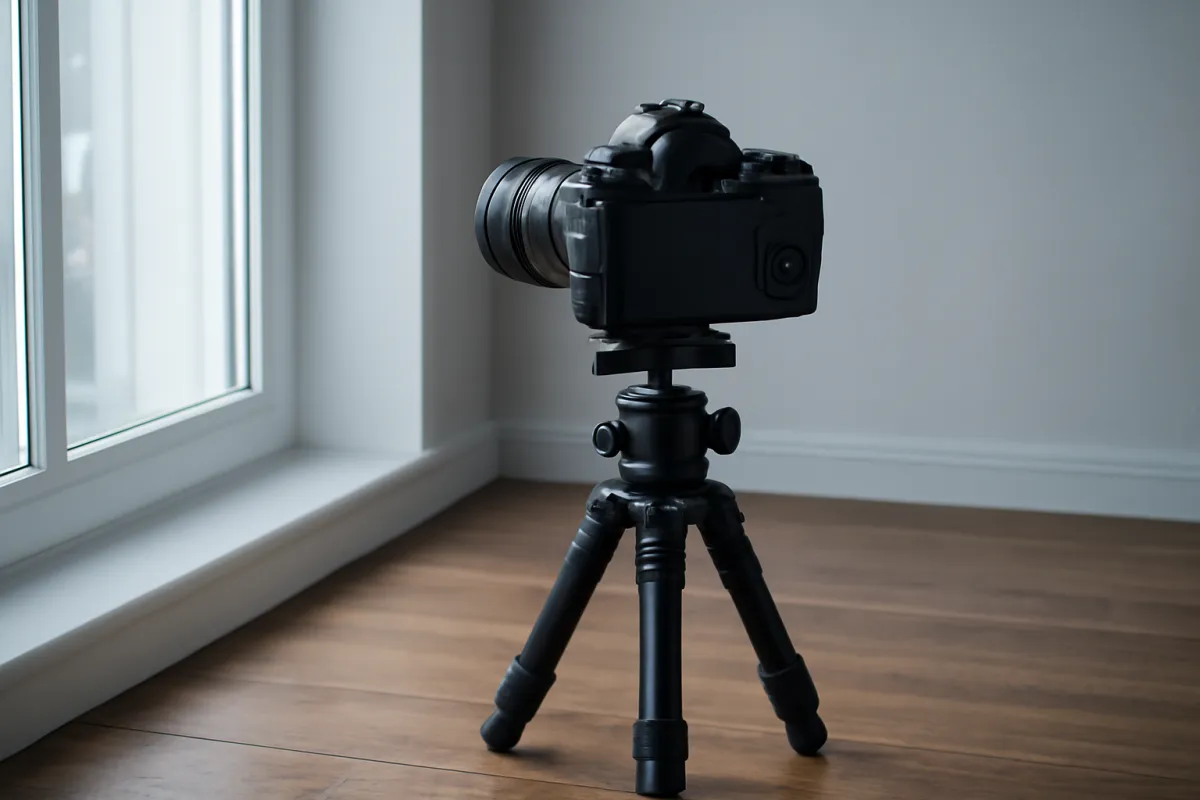
Set the tripod on the most solid, level footing available, and use a bubble level or an electronic level if your tripod head or camera offers one, since a horizon that tilts even slightly across a sequence is genuinely difficult to fully correct in software without cropping away a meaningful part of the finished image. A panning base, a feature on many tripod heads that lets the camera rotate horizontally without disturbing the level you just set, makes this step far easier than trying to hold a level rotation by adjusting the whole head repeatedly.
If your scene includes something within a few meters of the camera, a wall, a fence, a close rock formation, consider a dedicated panoramic or nodal rail head, which repositions the camera so it rotates around the lens’s optical center rather than around the tripod’s center column. This matters because rotating around any other point introduces parallax, a slight shift in how near and far objects line up relative to each other between frames, which grows sharply at close range and can produce a stitch with a visibly doubled or warped close object even when distant parts of the same scene align perfectly.
The watch-out: for a distant landscape with nothing closer than roughly 5 to 10 meters from the camera, an ordinary tripod head, or even a careful handheld pivot from one spot, is genuinely sufficient, and a nodal rail head is solving a problem that scene does not actually have.
Step 3: Switch to manual exposure, white balance, and focus
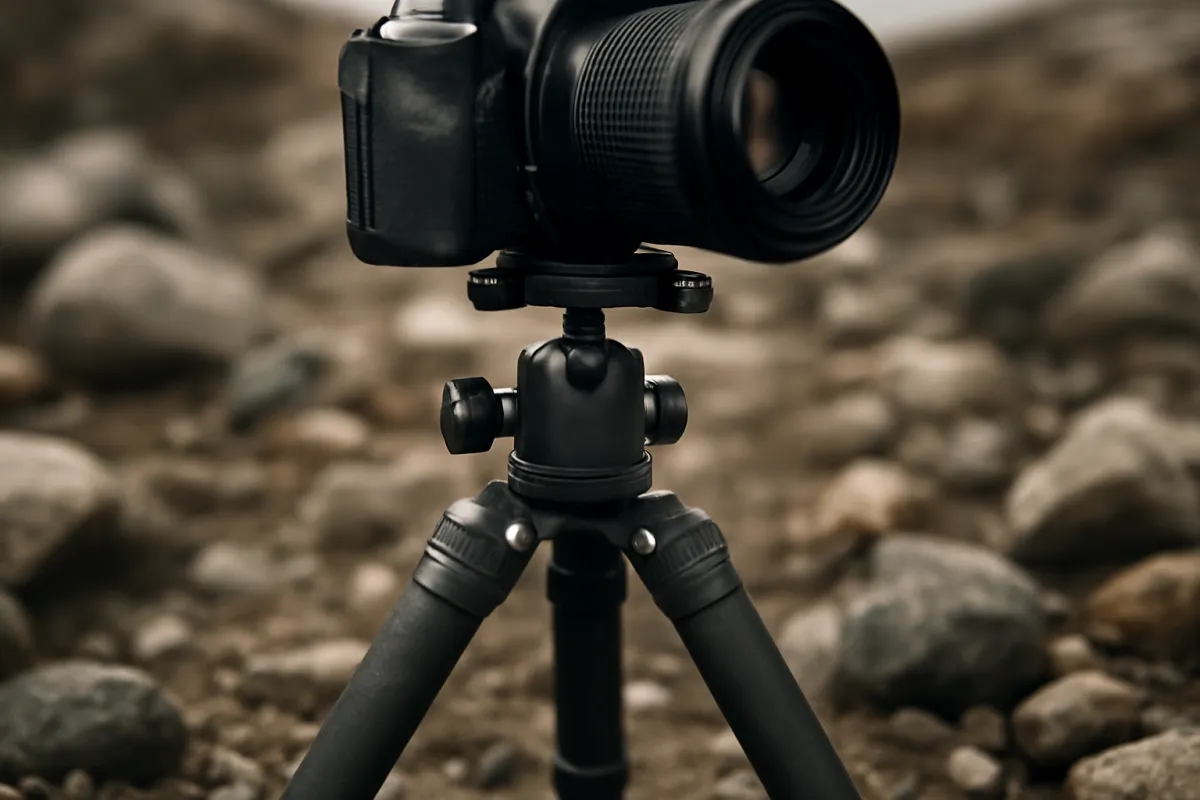
Set the camera fully to manual exposure, manual white balance, and manual focus before shooting a single frame, and leave all three untouched for the entire sequence. This is the single most important technical discipline in panorama photography: any automatic mode re-meters as you pan across brighter and darker parts of the scene, producing a visible band or seam exactly where two differently-exposed frames meet, and an automatic white balance system shifts color temperature the same way, producing a subtler but still visible color seam.
Set focus manually as well, locked on the most important part of your scene, typically somewhere in the middle distance for a landscape, so that autofocus cannot hunt and refocus slightly differently between frames. A narrower aperture, commonly f/8 to f/11, is the typical starting point for a landscape panorama, since it holds a wide depth of field across the whole scene and gives the stitch consistent sharpness from frame to frame, exactly the same logic covered in our aperture field note.
The watch-out: double-check that your lens itself is not set to any automatic behavior that could shift between frames, such as a zoom lens left loose enough to creep slightly during rotation, since a focal length change mid-sequence is just as damaging to a clean stitch as an exposure or white balance shift.
Step 4: Meter for the brightest part of the scene
With manual mode engaged, take a meter reading specifically from the brightest part of your planned sweep, commonly the sky, rather than averaging across the whole scene or metering from a single typical frame in the middle. This matters because a blown-out, fully white sky loses detail that no amount of editing afterward can recover, while a foreground metered a stop or so under what looks perfect in isolation usually still holds recoverable shadow detail. Dial in the aperture, shutter speed, and ISO that this bright-sky reading suggests, then lock all three for the rest of the sequence.
Take a test frame pointed at the brightest section and check the histogram rather than trusting how the image looks on the rear screen, confirming the highlights are not clipped against the right edge. If the histogram shows clipping, close the aperture slightly or raise the shutter speed a touch and test again before committing to the full sequence, since this single reading governs every frame you are about to shoot.
The watch-out: do not re-meter partway through the sequence even if a later frame looks noticeably darker on the rear screen, since that difference is expected, a shaded foreground section should look darker than a bright sky section at the same fixed exposure, and adjusting mid-sequence is exactly what creates the visible seam this step exists to prevent.
Illustrative overlap and its effect on frame count
A rough comparison of how many frames a 180 degree sweep needs with a standard 50mm lens at different overlap percentages.
Bar length tracks frame count as a share of the highest value shown. More overlap gives stitching software a wider shared strip to match between frames, at the cost of more frames and more shooting time for the same sweep. The companion above runs this for your own lens and sweep.
Step 5: Shoot overlapping frames in a steady sweep
With exposure locked, work through the sequence in order, from one edge of your planned sweep to the other, pausing briefly between each frame rather than panning continuously. Keep each frame overlapping the previous one by your planned percentage, roughly 25 to 35 percent as a starting point, using a consistent landmark, a tree, a rock, a building edge, near the frame’s border as a rough visual guide for how far to rotate before the next shot. Shoot in a single consistent direction, left to right or right to left, rather than jumping around, since stitching software generally expects frames in a predictable order even though most can handle them out of sequence if needed.
Work briskly through any part of the scene with moving elements, water, trees in wind, people, since the faster you move through that section, the less time passes between overlapping frames and the less chance anything shifts enough to create ghosting where two frames are blended. For a very wide or full 360 degree sweep, consider shooting a second row angled slightly up or down if your scene has meaningful height as well as width, since a single row of frames only captures a horizontal band.
The watch-out: check the rear screen periodically through the sequence, not to adjust exposure, but to confirm frames are actually capturing in focus and nothing has physically bumped the tripod, since discovering a knocked tripod only after finishing all nine frames means starting the entire sequence over.
Step 6: Stitch the frames in software
Import the full sequence into stitching software, many general photo editors now include a built in panorama merge tool, and dedicated standalone stitching applications exist for more demanding or unusual sequences. Most tools detect overlapping frames and align them automatically using the shared detail in each overlap zone, then blend the exposure and color across the seams and project the result onto a flat, cylindrical, or spherical surface depending on how wide your sweep was. A standard sweep under about 120 degrees usually looks most natural on a flat projection; a full 360 degree rotation typically needs a cylindrical or spherical one to avoid obvious distortion at the edges.
Review the automatically stitched result carefully before accepting it, checking especially for a straight horizon, since even a well-shot sequence occasionally produces a slight bow or curve that the software’s chosen projection introduces, correctable with a straighten or horizon tool in most editors. Check the overlap zones themselves for any doubled or ghosted detail the software’s blend did not fully resolve, since an imperfect automatic blend is common enough on a first stitch that reviewing rather than trusting it blindly is worth the extra few minutes. Our field note on editing photos for beginners covers the general editing workflow this step draws on.
The watch-out: if the software reports it could not align one or two frames, do not force a crude manual placement as a first response. Check whether those specific frames had enough overlap with their neighbors and enough shared detail, a featureless sky with nothing to match against is a common cause, and reshoot just the problem section with tighter overlap if the original scene is still available, rather than compromising the finished panorama.
Step 7: Crop and fix the seams
A freshly stitched panorama almost always has an irregular, non-rectangular edge, since each frame contributes a slightly different amount after alignment and blending, leaving ragged gaps along the top, bottom, or both. Crop to the largest clean rectangle the stitch allows, accepting some loss of the outermost edges of your planned sweep, since those edges typically carry the least useful content anyway. Most stitching software also offers a content-aware fill option that extends the ragged edges outward to avoid cropping as aggressively, worth trying on a panorama where every bit of the original sweep matters.
Check the final image for any remaining seam, a subtle line of slightly different color or sharpness where two frames meet, typically most visible in a smooth area like open sky or water. A gentle, broad healing or clone adjustment along the seam, rather than a hard, narrow fix, usually blends it convincingly, since large smooth areas forgive a soft correction far more than they forgive an obvious patch. Export at full resolution if the finished panorama is destined for print or a large display, since the whole point of the technique is the extra resolution several frames provide over any single exposure.
The watch-out: do not over-sharpen the finished panorama uniformly across its full width, since the stitching and blending process can leave some zones, particularly near the seams, slightly softer than others, and a single global sharpening pass makes that unevenness more obvious rather than less.
A finished panorama is also unusually large compared to an ordinary single-frame photo, often many times the pixel dimensions of one source frame, so consider your intended use before exporting a single flattened file. A panorama destined for a large print benefits from keeping the full stitched resolution through export, while one destined mainly for a screen or a social share can be downsized considerably without a visible quality loss, saving file size and upload time. Keep the original layered or source stitch file as well as any flattened export, since a different crop or a stronger seam fix is often worth revisiting later once you see the panorama at full size.
A soft vignette is a real stitching trap
One source of brightness mismatch across a stitched panorama has nothing to do with your exposure lock at all: natural vignetting, the gradual darkening most lenses show toward their corners even in an otherwise perfectly exposed frame. Because each frame’s darker corners overlap with its neighbor’s brighter center, a vignette-heavy lens can leave faint, repeating dark bands across a finished stitch even when every frame was shot at an identical, correctly locked exposure. Most stitching software includes an automatic vignette correction option specifically for this, applied before the frames are blended, and turning it on is worth doing by default on any lens with noticeable corner darkening, which is most lenses at their widest aperture settings.
A panorama session: where the effort goes
Illustrative split of where the work lands across a typical seven-frame landscape panorama.
Unlike a timelapse, a panorama's effort shifts heavily toward the computer afterward, since the field shooting itself is comparatively quick while reviewing and finishing the stitch takes real time. Adjust the split to your own workflow with the companion above.
Panorama beyond landscapes
Wide coastal and mountain sweeps dominate panorama photography because the scene obviously benefits from the extra width, but the same seven steps apply to several other shapes and subjects with only small adjustments. A vertical panorama, stitching frames shot one above the other rather than side to side, suits a tall subject a single frame cannot fit without stepping back uncomfortably far: a waterfall from base to top, a tall building, a tree canopy. The technique is identical, lock exposure, overlap by roughly 25 to 35 percent, meter for the brightest section, just rotated onto a vertical axis instead of a horizontal one, and most stitching software handles a vertical sequence exactly the way it handles a horizontal one.
Interior and architectural panoramas, often used for real estate or a simple record of a room, work the same way but usually need a wider overlap and more careful leveling, since straight walls and door frames make any horizon tilt or parallax error far more obvious than a landscape’s natural curves and textures do. A close interior scene is also exactly the situation where a nodal rail head earns its keep, since walls and furniture sit well within the few meters where parallax becomes a real problem rather than a theoretical one. Readers of our real estate photography field note already have the leveling and straight-line discipline this version of the technique leans on heavily.
Night sky panoramas combine this technique with the long exposure approach from our night sky field note, stitching several wide, long-exposure frames together to capture a stretch of sky or a Milky Way arc wider than one frame alone could hold. Each individual frame might run 15 to 20 seconds at a wide aperture and a high ISO, with the same manual exposure lock and overlap discipline governing the sequence; the main practical difference is that stars drift slightly between frames even on a static tripod, so a shorter total shoot time for the whole sequence helps keep that drift small enough for a clean stitch.
The watch-out across every variation: the subject and the axis of rotation change, but the discipline does not. A locked manual exposure, a level and steady rotation, and a meter reading taken from the brightest part of the scene before the first frame are exactly as important for a vertical waterfall panorama or a dim interior room as they are for a sweeping daylight coastline, and the overlap percentage and projection choice are the only settings that genuinely need to flex between them.
A worked example: one coastline panorama from start to finish
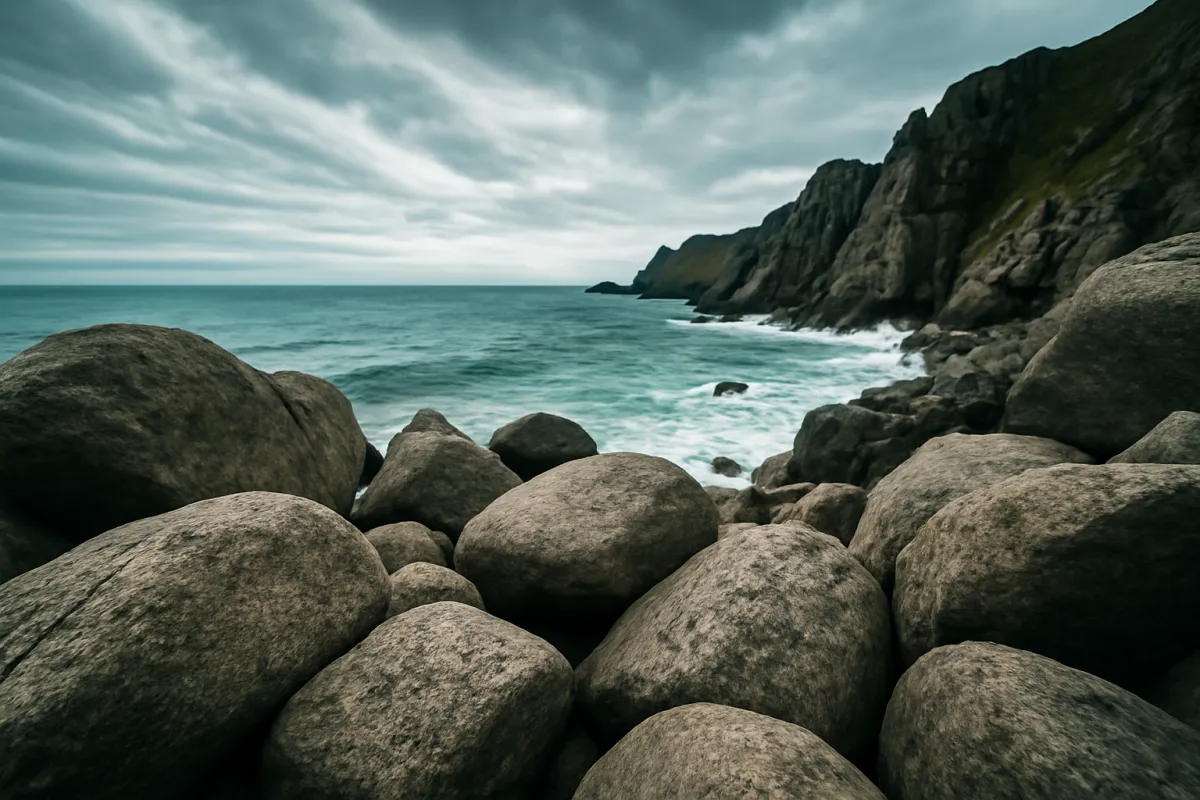
Theory into practice: here is a single realistic session run through all seven steps, with illustrative settings, so the sequence is concrete. The plan is a 180 degree coastline panorama from a rocky overlook, using a standard 50mm lens and a tripod with a panning base.
Step 1, scouting. The overlook offers a clean 180 degree sweep from one headland to another, with the sea roughly 30 meters out at the nearest point, far enough that parallax is not a concern. Step 2, mounting. The tripod is leveled on flat rock using the head’s built in bubble level, with the panning base engaged so the camera can rotate horizontally without losing that level. Step 3, exposure. Manual mode is set with focus locked manually on the distant headland and aperture set to f/11 for front-to-back sharpness across the whole scene.
Step 4, metering. A test frame pointed at the brightest patch of sky reads clean on the histogram at 1/250, ISO 100, f/11, and all three values are locked for the full sequence. Step 5, shooting. Seven frames are shot left to right, each overlapping the last by roughly 30 percent using a distant rock formation as a rough guide, moving briskly through the two frames containing visible surf to minimize ghosting from the moving water. Step 6, stitching. Back at the computer, the panorama software aligns all seven frames automatically on a flat projection, with only a minor horizon bow needing a quick straighten correction.
Step 7, finishing. The stitched result is cropped to the largest clean rectangle, losing a small sliver from each end, and a soft seam between frames four and five, visible as a faint line through open sky, is corrected with a broad healing adjustment. The final panorama: a 180 degree coastline view at a resolution no single frame from the same 50mm lens could have captured. Run your own lens and overlap plan through the upgrade budget planner.
Common mistakes to avoid
Most disappointing panoramas fail in one of a handful of predictable ways, and knowing them in advance is the fastest route to a cleaner result. These are the pitfalls that come up again and again:
- Shooting in an automatic or semi-automatic exposure mode. The camera re-meters across the sweep and creates a visible seam. Lock exposure fully in manual mode before the first frame.
- Metering from the average scene rather than the brightest part. This blows out the sky in a way that cannot be recovered afterward. Meter for the brightest section and confirm with the histogram.
- Shooting with too little overlap. Stitching software may fail to find enough shared detail to align two frames. Aim for roughly 25 to 35 percent overlap.
- Stepping sideways instead of pivoting in place. This introduces parallax, especially with anything close in the frame. Pivot from one fixed point for every frame.
- Panning slowly through moving water, trees, or people. This produces ghosted, doubled detail in the overlap zones. Work briskly through any section with visible motion.
- Letting a tilted horizon go uncorrected. Even a slight tilt across the sequence is hard to fully fix afterward. Level the tripod head before the first frame.
- Over-sharpening the finished stitch uniformly. This makes any uneven softness near seams more obvious. Sharpen selectively rather than globally.
Troubleshooting the trickiest moments
Panorama sequences rarely stitch perfectly on the first attempt, so here is how to handle the conditions that fight you. What if the software refuses to align two adjacent frames? Check whether that overlap zone had enough shared, detailed content, a featureless sky or a plain wall gives the software nothing distinctive to match, and reshoot that section with extra overlap or a different pivot point if possible.
What if the finished panorama has a visible band of different brightness partway across? This is an exposure seam, almost always from a setting left on automatic rather than genuinely locked in manual; check your frames individually against each other for a brightness jump, and on your next sequence confirm every value is locked before the first frame rather than assumed. What if a moving subject, a person, a wave, appears doubled or semi-transparent in the stitch? This is ghosting, caused by that subject occupying different positions in two overlapping frames; most stitching software includes a ghost removal or de-ghost option that can select one version automatically, or you can mask out the unwanted duplicate manually in the final edit.
What if the stitched result looks warped or stretched, especially near the edges of a wide sweep? This is a projection issue rather than a stitching failure. A flat projection distorts increasingly toward the edges of a very wide sweep; switching to a cylindrical or spherical projection in your stitching software, standard options for anything approaching or exceeding 180 degrees, usually resolves it.
Your panorama checklist
Save this and run down it before your next session:
- Scout the scene and decide your planned sweep before mounting the camera.
- Level the tripod and engage a panning base if your head has one.
- Consider a nodal rail head only if something sits within a few meters of the camera.
- Switch to full manual exposure, white balance, and focus, and leave them untouched.
- Meter for the brightest part of the scene and confirm with the histogram, not the rear screen.
- Shoot frames in order with roughly 25 to 35 percent overlap, working briskly through any motion.
- Stitch in software, reviewing the result for a straight horizon and clean overlap zones.
- Crop to a clean rectangle and fix any remaining seam with a broad, soft adjustment.
The bottom line
Panorama photography comes down to the same discipline as any multi-frame technique: lock exposure, white balance, and focus before the first frame, overlap consistently through the sequence, and let stitching software do the heavy lifting of combining them into one wide, high-resolution image. None of it requires specialized gear for a typical landscape, since an ordinary tripod, a standard lens, and a careful meter reading cover most scenes; a dedicated panoramic head only earns its keep once something sits close enough to the camera for parallax to matter. Scout your sweep, meter for the sky, overlap by roughly 30 percent, and review the stitch before cropping it down. Price your own panorama kit in the upgrade budget planner, then go find a view wider than your widest lens can hold.
This field note is written to teach a panorama stitching workflow, not to sell any camera, tripod head, or stitching software: no brand paid for a placement and none is named on purpose, only settings and techniques that carry across every system. All overlap percentages, exposure values, and frame counts described are illustrative starting points rather than fixed rules, because the right numbers change with your own lens, scene, and chosen software, so review each stitch on its own merits rather than by a fixed recipe.
Frequently asked questions
What is a panorama and how is it different from a wide-angle photo?
A panorama is built from several overlapping frames stitched together afterward into one wide or tall image, while a wide-angle photo is a single frame captured with a lens wide enough to fit the whole scene at once. The panorama route trades a wider lens for more resolution and a wider field of view than any single lens can capture, since you are combining many frames rather than compressing everything a wide lens sees into one exposure, and it can cover a sweep far beyond what even an ultra-wide lens could fit in one shot, up to a full 360 degrees if you keep rotating.
Do I need a panoramic tripod head to shoot a panorama?
No, not for most landscape panoramas, where the whole scene sits far enough away that parallax error, a slight misalignment between near and far elements as the camera rotates, stays small enough that ordinary stitching software corrects it automatically. A dedicated panoramic or nodal rail head, which rotates the camera around the lens's optical center rather than around the tripod's center column, becomes genuinely useful when your scene includes something close to the camera, inside a few meters, since parallax error grows sharply at close range and a software stitch can struggle to blend it cleanly.
How much overlap do I need between frames?
An illustrative starting point is 25 to 35 percent overlap between each frame and the next, enough that stitching software has a wide shared strip of detail to match and align, without so much overlap that you need far more frames than the scene requires. Too little overlap, under roughly 15 to 20 percent, risks the software failing to find enough common detail to align two frames correctly, while excess overlap beyond 40 percent mostly just adds extra frames and shooting time without meaningfully improving the stitch. The companion above calculates your frame count from your chosen overlap and lens.
Why do my stitched panoramas have visible seams or ghosting?
A visible seam usually means a frame's exposure or white balance drifted from its neighbors, which happens when the camera was left in an automatic mode that re-metered as you panned across a brighter or darker part of the scene; shooting fully manual with everything locked before the first frame is the fix. Ghosting, a faint double image of something that moved, comes from a subject, a person, a wave, a branch in the wind, shifting position between two overlapping frames; shoot in the calmest conditions available, pan briskly rather than slowly through a busy area of motion, and most stitching software includes a ghost-removal option that can mask a small amount of this automatically.
Can I shoot a panorama handheld, without a tripod?
Yes, and it is a completely reasonable way to shoot a landscape panorama, provided you pivot from the same spot for every frame rather than physically stepping sideways, which introduces parallax that a tripod's fixed rotation point avoids. Keep the horizon level by eye or with a grid overlay, overlap generously since handheld framing is less precise than a tripod's repeatable rotation, and expect a slightly higher rate of frames that need to be discarded and reshot compared to a tripod-mounted sequence. A tripod remains the more reliable route for a demanding or close-range scene.
What camera settings should I lock before shooting a panorama?
Switch to manual exposure, manual white balance, and manual focus before the first frame, and leave every one of them untouched through the entire sequence, exactly the same discipline a timelapse needs and for the same reason: any automatic adjustment between frames creates a visible seam or exposure jump where two frames meet. Meter for the brightest part of the scene you plan to include, since a blown-out sky is far harder to recover afterward than a slightly underexposed foreground, and use a narrower aperture, commonly f/8 to f/11, for front-to-back sharpness across a landscape scene.
Can I shoot a panorama with my phone instead of a dedicated camera?
Yes, and most phones now include a dedicated panorama mode that guides you through a smooth pan and stitches the result automatically in real time, which is genuinely convenient and produces a usable result for a casual landscape shot. The tradeoff is control and quality: a phone's automatic mode usually keeps re-metering as you pan, which can introduce the same exposure banding a camera avoids by shooting manual, and the stitched output is typically lower resolution than assembling individual full-resolution frames from a dedicated camera. A phone panorama is a fine starting point; the multi-frame manual technique in this field note gives more control and a higher resolution result.
How many frames does a panorama need?
Frame count depends on your lens's field of view, your chosen overlap percentage, and how wide a sweep you are covering: a standard 50mm lens covering a 180 degree sweep at 30 percent overlap needs roughly six to seven frames, while a wide-angle lens covering the same sweep needs fewer, and a telephoto lens covering a full 360 degree rotation needs considerably more. The companion above calculates an illustrative frame count from your own lens choice, sweep, and overlap percentage.