What's on this page
- The short answer
- Why a DSLR is a heavier payload problem than a mirrorless body
- What DJI actually makes, in honest general terms
- Weigh your real DSLR setup before you shop
- Payload headroom: why DSLRs eat it faster
- The forward-heavy balance problem on a DSLR
- Single-handed versus dual-handle for a DSLR body
- Balancing a DSLR on a gimbal: what is different
- No in-body stabilization: what the gimbal is covering for
- Follow modes and why DSLR shooters lean on them harder
- Battery life and motor strain with a heavier body
- Lens compatibility and swapping lenses mid-shoot
- Camera control, triggers, and what DJI’s app can and cannot promise on a DSLR
- A worked example: a DSLR shooter sizing a gimbal
- Travel, carry weight, and the case nobody mentions
- Gimbal versus tripod versus handheld for DSLR video
- Set a budget before you commit
- Common mistakes to avoid
- Troubleshooting the hard cases
- The bottom line
Short answer: A DJI gimbal works with a DSLR as long as the payload rating covers your real setup, body, lens, and accessories together, with roughly thirty percent headroom on top. DSLR kits commonly run heavier and more forward-balanced than a similar mirrorless kit, which pushes many DSLR shooters into the heavier single-handed or dual-handle classes rather than the compact tier, and makes the balancing step a little fussier than it is on a lighter body. Confirm current model specs and camera-control compatibility directly from DJI before you buy, since lineups and features change faster than any article can track.
Searching “DJI gimbal for DSLR” usually means one of two things: either you already own a DSLR and want to know whether a DJI gimbal is even a sensible match for it, or you are comparing gimbal brands generally and DJI is the name that keeps coming up. Both questions have the same honest answer, and it has almost nothing to do with the brand on the box. A gimbal is a motorized support built to carry a weight within a range, and a DSLR is simply a heavier, more front-loaded weight than a mirrorless camera usually is. Get the payload math right for your actual DSLR and lens, and a DJI gimbal, or any correctly rated gimbal from any maker, does its job. Get the payload math wrong, and the brand name on the handle will not save you.
This field note stays on the part of that decision that is specific to shooting a DSLR rather than a mirrorless body: why the weight class differs, why the balance point sits further forward, what that does to battery life and motor strain, how single-handed and dual-handle choices shift for a heavier camera, and what to actually check before buying, named honestly rather than reviewed as if a specific current model had been tested. Our existing camera gimbal buying field note covers the general seven-step method for any mirrorless-leaning payload; this one is the DSLR-specific companion to it.
Key takeaways
- A DSLR with its lens commonly outweighs a visually similar mirrorless kit, both because of the mirror box and prism and because DSLR lenses in a given range often run heavier, which usually pushes the payload into a higher gimbal class.
- The thirty percent headroom rule still applies, but it matters more on a DSLR, because the starting weight is already closer to a gimbal's rated ceiling before any accessory gets added.
- A DSLR's weight sits further forward toward the lens mount than a mirrorless body's does, which is what actually makes the balancing step fussier, not the raw pounds alone.
- DJI is a real, well known maker of handheld gimbals spanning several size classes, but specific model names, payload ratings, and camera-control compatibility change between revisions, so confirm current specifications before buying rather than trusting a figure from memory.
- If the actual complaint is arm fatigue from a heavy lens rather than a need for smooth walking shots, a monopod or a tripod solves that same complaint for a fraction of the weight and cost, and is worth ruling out before buying a gimbal at all.
The short answer
Yes, a DJI gimbal can carry a DSLR, provided the gimbal’s rated payload comfortably covers your body, lens, and any accessories together. The size class that fits a given DSLR is usually one notch heavier than what a similar-looking mirrorless kit would need, because the camera itself weighs more and balances less neutrally on the arm. Shop by your actual weighed payload plus headroom, not by the gimbal’s marketing tier, and the DSLR question answers itself the same way the mirrorless question does.
The rest of this field note exists because “it depends on the payload” is true but not useful on its own. What follows is the DSLR-specific detail: how much heavier a typical DSLR kit actually runs, where that weight sits, what it does to balancing and battery life, and how to translate your own setup into a class and a budget using the companion above.
Why a DSLR is a heavier payload problem than a mirrorless body
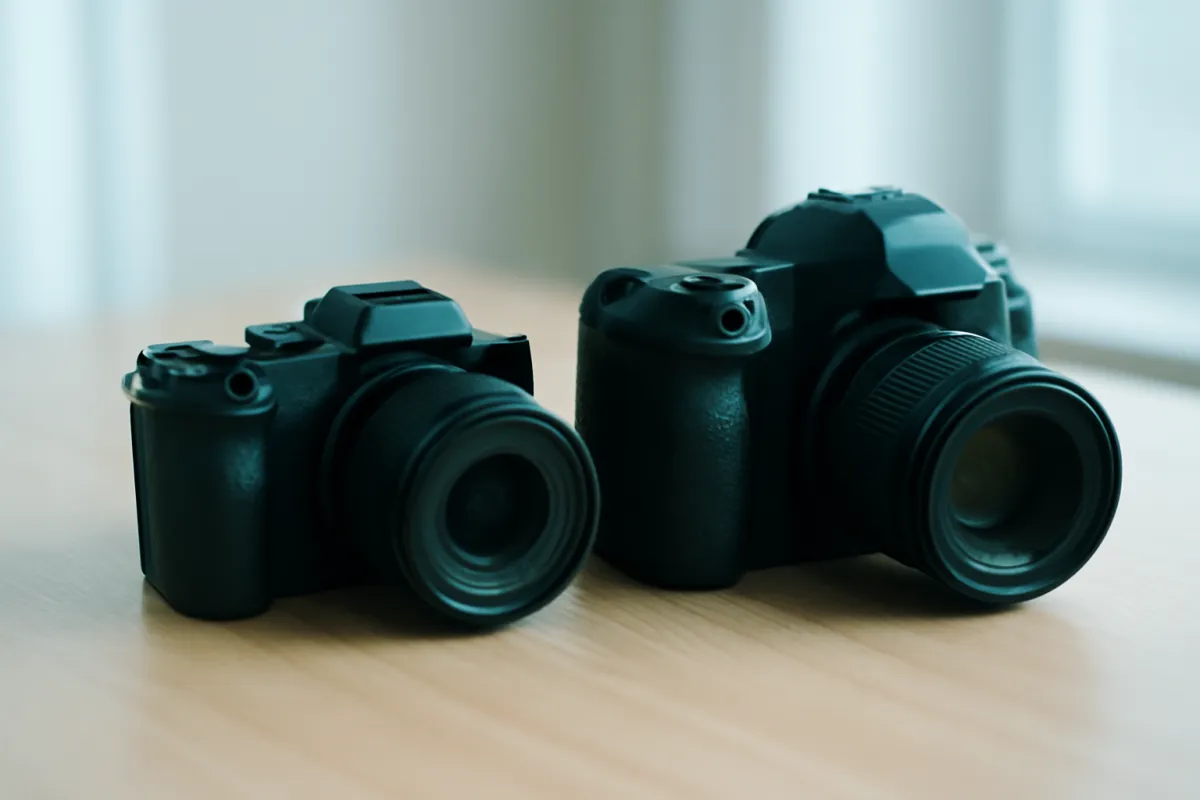
A DSLR and a mirrorless camera do the same job, recording an image, through genuinely different mechanical designs, and the difference shows up directly on a gimbal’s payload spec. A DSLR contains a mirror that flips out of the light path for each exposure, the mechanism that drives it, and a pentaprism or pentamirror that routes the image to an optical viewfinder. None of that exists in a mirrorless body, which replaces the optical path with an electronic sensor feed to a screen or an electronic viewfinder. That mechanism and glass add real mass low in the body and toward the lens mount, before a single lens is attached.
Lenses compound the gap. DSLR lens mounts were generally designed with more flange distance than mirrorless mounts, and DSLR lens lines in many focal ranges have historically run larger and heavier than the mirrorless lenses covering the same range, partly for optical-design reasons tied to that flange distance and partly because DSLR lens lines are often older designs that predate more recent efforts to shrink mirrorless glass. None of this is a criticism of either format; it is simply a mechanical fact that changes the number you need to weigh before shopping for support gear.
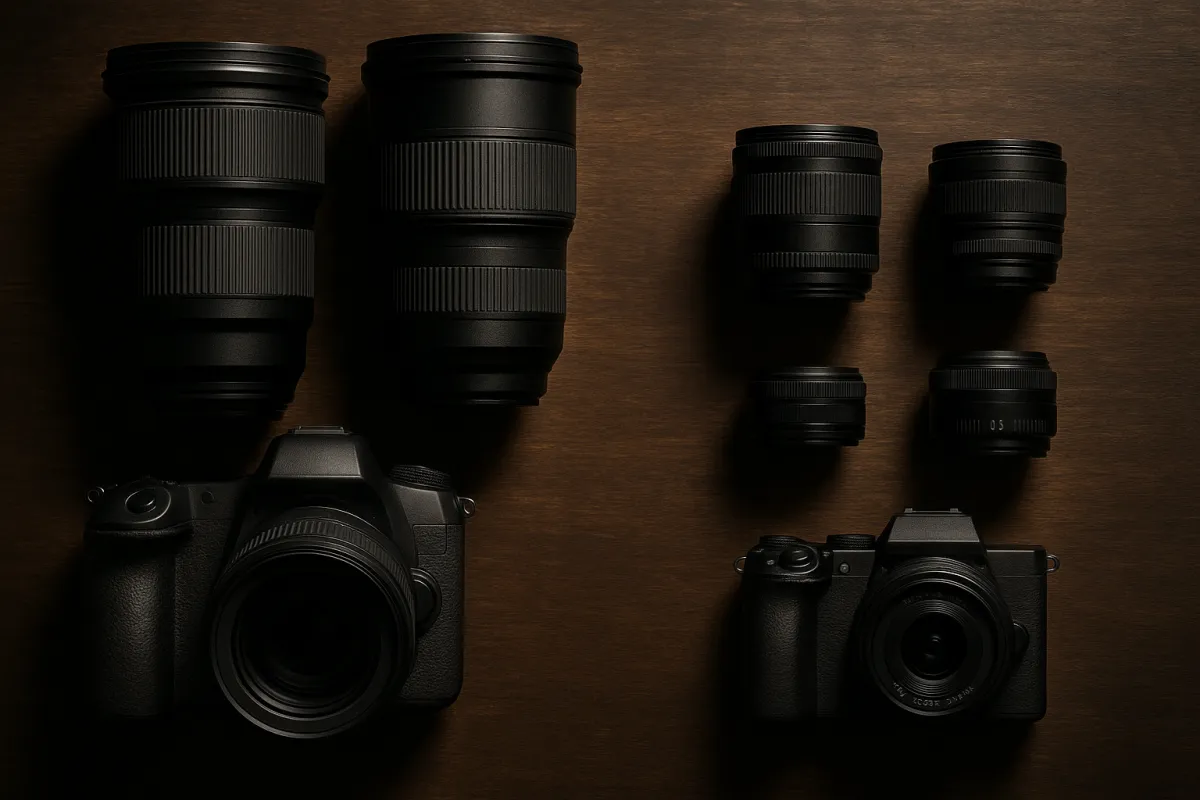
The practical upshot is that a buyer comparing listings by camera type alone, “gimbal for DSLR” versus “gimbal for mirrorless”, is asking a slightly wrong question. The gimbal does not care what mechanism is inside the body. It cares about the number on the scale. The reason DSLR and mirrorless searches produce different advice at all is that DSLR setups tend, on average, to land at a higher number, not because the gimbal’s motors somehow behave differently toward one format than the other.
What DJI actually makes, in honest general terms
DJI is a real company and one of the most recognized names in handheld camera stabilization, known broadly for a gimbal line sold under its own branding that spans from compact, pocket-sized stabilizers built mainly for phones and the smallest cameras, through single-handed models aimed at mirrorless bodies and modest lenses, up to larger single-handed and dual-handle models built for heavier payloads including DSLR bodies, cages, and small cinema setups. That is the honest shape of the lineup in general terms.
What this field note will not do is review a specific current model, quote an exact payload figure, or state a current price, because model lineups get refreshed, specifications get revised, and prices move constantly, and any number printed here would be stale the moment a new revision ships. The method in this field note, weigh your real setup, add headroom, match the class, works regardless of which specific model or which maker you eventually buy, and it is the part that does not go out of date. When you are ready to shop, pull the current payload rating and current camera-control compatibility list directly from the manufacturer or a current retailer listing for the exact model you are considering, for your exact camera.
One honest caveat worth naming directly: camera control, meaning triggering record, adjusting focus, or changing exposure settings from the gimbal itself or its companion app, is a feature that depends on both the gimbal and the specific camera model supporting a compatible connection, and DSLR support for that kind of feature has generally lagged behind the newest mirrorless bodies across the industry, not uniquely on any one maker’s gimbals. If camera control from the gimbal matters to your workflow, check the current compatibility list for your exact DSLR model before buying rather than assuming it carries over from a mirrorless review you read.
Weigh your real DSLR setup before you shop
Everything else in this field note runs on one number: your DSLR, your actual lens, and everything that rides on top of the camera during a real shoot, weighed together. Put the whole assembly on a kitchen or luggage scale exactly as you would shoot it, body, lens, battery, memory card, and anything mounted, a microphone, a small monitor, an on-camera light. That total is your payload, and it is worth getting exactly right before you look at a single gimbal’s spec sheet.
Watch out: weigh the lens you actually shoot video with, not the lightest one in your bag. If you own a compact prime and a larger standard zoom and you shoot video with both, weigh the zoom, because a gimbal sized to your lightest lens will struggle the day you reach for the heavier one, and rebalancing for a different lens mid-shoot is exactly the kind of friction that makes people stop using a gimbal.
A second number worth having alongside the raw weight is where that weight sits. Mount the lens and note roughly how far forward of the body the balance point falls. A longer or heavier DSLR lens pulls that point well forward of the mount, and that detail matters more for a gimbal purchase than most buyers expect, because it affects which gimbals balance comfortably with your specific lens rather than merely which gimbals are rated heavy enough in the abstract.
Payload headroom: why DSLRs eat it faster
The headroom principle is the same one that applies to any gimbal purchase: take your weighed payload and add roughly thirty percent before you shop, and buy toward that inflated number rather than your bare payload. A gimbal running right at its rated maximum tends to show the same symptoms regardless of camera type, a faster-draining battery as the motors work harder, a slight wobble or lag on quick movement, and no room left to add one more accessory later without crossing the line.
What changes with a DSLR is not the rule, it is how quickly it gets consumed. If a mirrorless kit’s bare payload is three pounds and a DSLR kit’s bare payload for a similar lens range is four and a half pounds, the same thirty percent headroom rule produces a meaningfully higher minimum rating to shop for, roughly four versus nearly six pounds. That difference often moves the DSLR shooter into the next size and price class up, which is the single most common surprise people report after switching from a mirrorless gimbal review to shopping for their own DSLR.
Watch out: a published payload rating on any gimbal, DJI or otherwise, almost always assumes a reasonably centered weight distribution and a specific range of lens lengths. A long or heavy DSLR lens can weigh less than the number on the spec sheet while still unbalancing a gimbal badly, because the mass sits well forward of the mount rather than centered over it, which is the exact problem the next section covers.
The forward-heavy balance problem on a DSLR
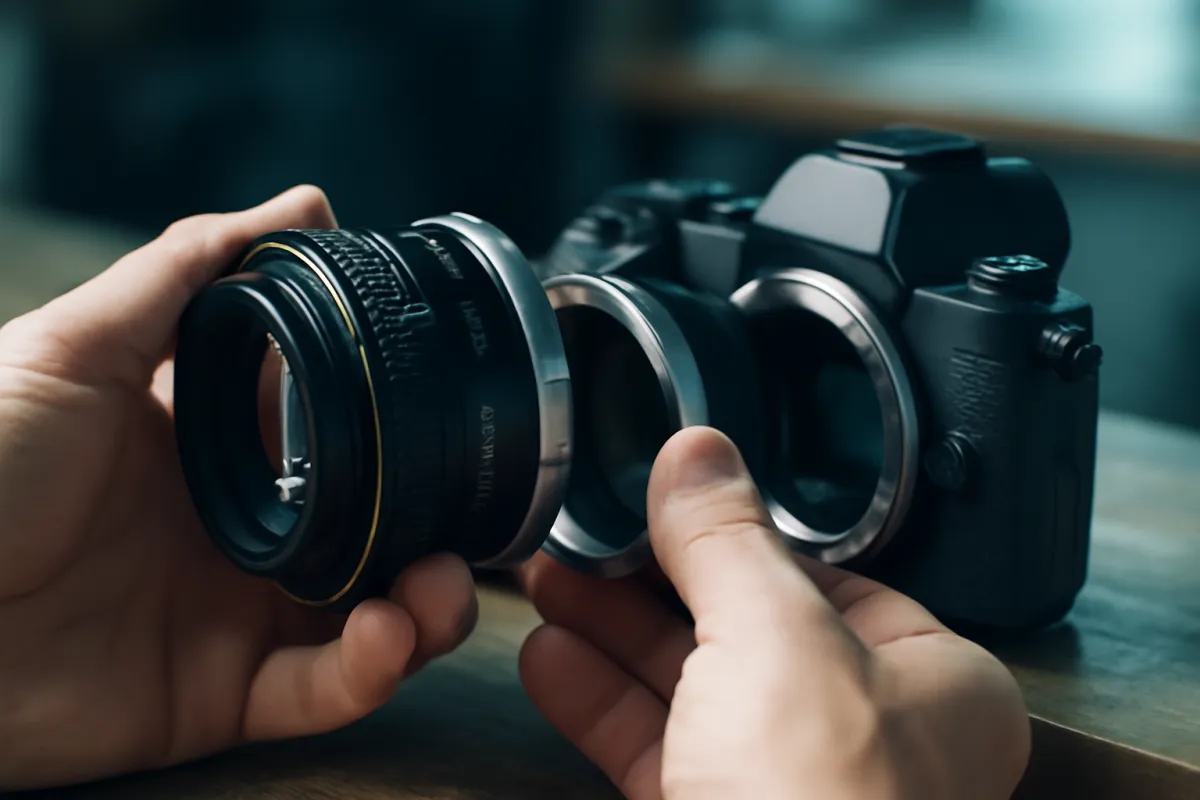
This is the part of DSLR gimbal use that trips up buyers who read a mirrorless-focused guide and expect the same experience. A gimbal’s arms need to find a point where the camera and lens balance level on each axis with the motors off, and the further forward that point sits from the body, the more of the arm’s adjustment range it consumes to get there. A DSLR with a substantial lens commonly needs the camera plate slid further back and the arms extended further than a lighter, more body-centered mirrorless setup would.
The practical consequence is twofold. First, some lighter or more compact gimbals simply do not have enough plate travel or arm length to reach a comfortable balance point with a long DSLR lens, even if the raw weight is technically within the rated payload, which is a real and separate limitation from the payload number alone. Second, even on a gimbal with enough physical range, a forward-heavy setup is less forgiving of an imprecise first balance, since a small roll or tilt error compounds faster on a longer lever arm.
The practical fix is to check a gimbal’s specified plate travel and arm reach for your specific lens length before buying, not only its payload rating, when you are shopping specifically for a DSLR with a longer lens. A gimbal rated well above your payload in pounds can still be the wrong physical fit if the balance point your lens produces falls outside its adjustment range.
Single-handed versus dual-handle for a DSLR body
Payload answers what a gimbal can carry; this is the question of what you will actually hold for a full shoot, and it shifts for a DSLR more often than it does for a mirrorless body. A single-handed gimbal is still the right answer for a lighter DSLR, a compact body with a standard kit lens or a short prime, and it remains the lightest option to carry through hours of walking and talking footage.
Once a DSLR is paired with a fast standard zoom, a longer telephoto, or an accessory stack including a microphone and a monitor, the combined payload more often crosses into the heavier single-handed or dual-handle class than an equivalent mirrorless setup would. A dual-handle gimbal exists for two honest reasons here: sharing a heavier load across two wrists instead of straining one, and unlocking low-mode and overhead shooting positions that a single handle cannot reach as naturally, both of which become more relevant once a DSLR and its lens push the weight up.
The decision is still governed by your actual payload number from the companion above, not by the DSLR label itself. A DSLR with a short, light prime can sit comfortably in the single-handed class, and a mirrorless body with a long telephoto and a cage can push past it. The format in your hand is a signal, not the deciding number.
Balancing a DSLR on a gimbal: what is different
Balance in the same order every time, with the gimbal powered off so the arms move freely under your hand: roll first, sliding the camera along the roll axis until it sits level and stays level when tilted gently side to side without drifting back. Tilt second, adjusting the camera’s position so it holds level when tipped forward and backward without swinging. Pan third, balancing so the camera stays put when turned left and right. Only once all three axes hold their position with the power off should the motors take over.
What a DSLR changes is patience, not procedure. Because the balance point sits further forward, small slides of the camera plate produce larger changes in how the gimbal settles than they would on a lighter, more centered mirrorless body, so adjustments are worth making in smaller increments and rechecking after each one rather than sliding the plate in large steps. Expect the first balance to take longer than a comparable mirrorless setup, and treat that extra time as normal rather than a sign something is wrong.
Watch out: do not judge a gimbal’s smoothness from a rushed balance on a forward-heavy DSLR setup. A genuinely capable gimbal can look mediocre with ten rushed minutes of balancing a long lens, and a disproportionate share of buyer’s remorse on DSLR gimbals traces back to this step rather than to the hardware itself.
No in-body stabilization: what the gimbal is covering for
Most DSLRs have no sensor-based stabilization at all, relying entirely on whatever stabilization the mounted lens provides, and plenty of common DSLR lenses provide none. That matters for setting expectations correctly, because a gimbal’s motors correct a different category of movement than in-body or lens stabilization does. Stabilization, where present, smooths small, fast shake, the kind that comes from your hands simply holding a camera still. A gimbal’s motors correct large, deliberate movement, walking, following a subject, or a long smooth pan, which stabilization alone cannot fully absorb.
For a DSLR shooter with no stabilization in the lens, a gimbal is doing more of the total stabilization work than it would for a stabilized mirrorless body, since there is no secondary system catching the small residual shake a gimbal’s motors do not fully erase at the fastest, tiniest movements. In practice this usually means a DSLR gimbal setup benefits a little more from a smooth, deliberate walking technique underneath the gimbal, since there is less of a safety net correcting sloppy footwork than a stabilized mirrorless pairing would have.
Follow modes and why DSLR shooters lean on them harder
Follow modes decide how much of your own movement passes through to the camera versus gets smoothed away, and learning them is a bigger upgrade to DSLR gimbal footage than almost any hardware change. Pan follow, the common default, keeps the camera level and lets it turn with you left and right while holding tilt and roll steady, suiting most walking and talking footage. Lock mode fixes the camera to a single framing regardless of handle movement, useful for a planned push or pull. Full follow passes on pan, tilt, and roll together, suiting unpredictable action but feeling less composed on purpose.
Because a DSLR setup is more often forward-heavy and sits in a heavier payload class, the motors are doing comparatively more work to hold a given follow mode steady than they would on a lighter mirrorless rig at the same settings, which is one more reason the headroom rule in an earlier section matters specifically for DSLR buyers rather than being generic advice.
Where a first-time DSLR gimbal buyer usually goes wrong
Illustrative weighting, out of 100, of how often each mistake is what a disappointed first-time DSLR gimbal owner actually did. This is a mental model built from common experience rather than a measured study, so read it as where to spend your own attention first.
Battery life and motor strain with a heavier body
A gimbal’s motors work harder to hold and move a heavier payload level, and that extra effort draws more current, which shows up directly as shorter battery life per charge compared to the same gimbal carrying a lighter mirrorless setup. This is simple physics rather than anything specific to one maker’s gimbals, and it applies most noticeably when a DSLR payload sits close to a gimbal’s rated ceiling rather than well within it, which is yet another reason the headroom rule pays off specifically for DSLR buyers.
The practical fix is the same one that applies to any gimbal under load: buy enough rated headroom that the motors are not working near their limit during normal use, and carry a spare battery for the gimbal itself on any day that matters, the same way you would for the camera. A dead gimbal with a fully charged camera on top of it is still a dead gimbal, and that failure mode arrives sooner on a heavier DSLR payload than it does on a lighter one.
Lens compatibility and swapping lenses mid-shoot
A DSLR shooter working a gimbal through a full day commonly wants to swap lenses between setups, a wider lens for an establishing shot, a longer one for a detail, and each swap changes the payload weight and the balance point, sometimes by enough to need a fresh balance rather than a quick nudge. This is a genuinely bigger practical friction for DSLR shooters than for mirrorless shooters running a single compact zoom all day, simply because DSLR lenses commonly vary more in size and weight across a typical two or three lens kit.
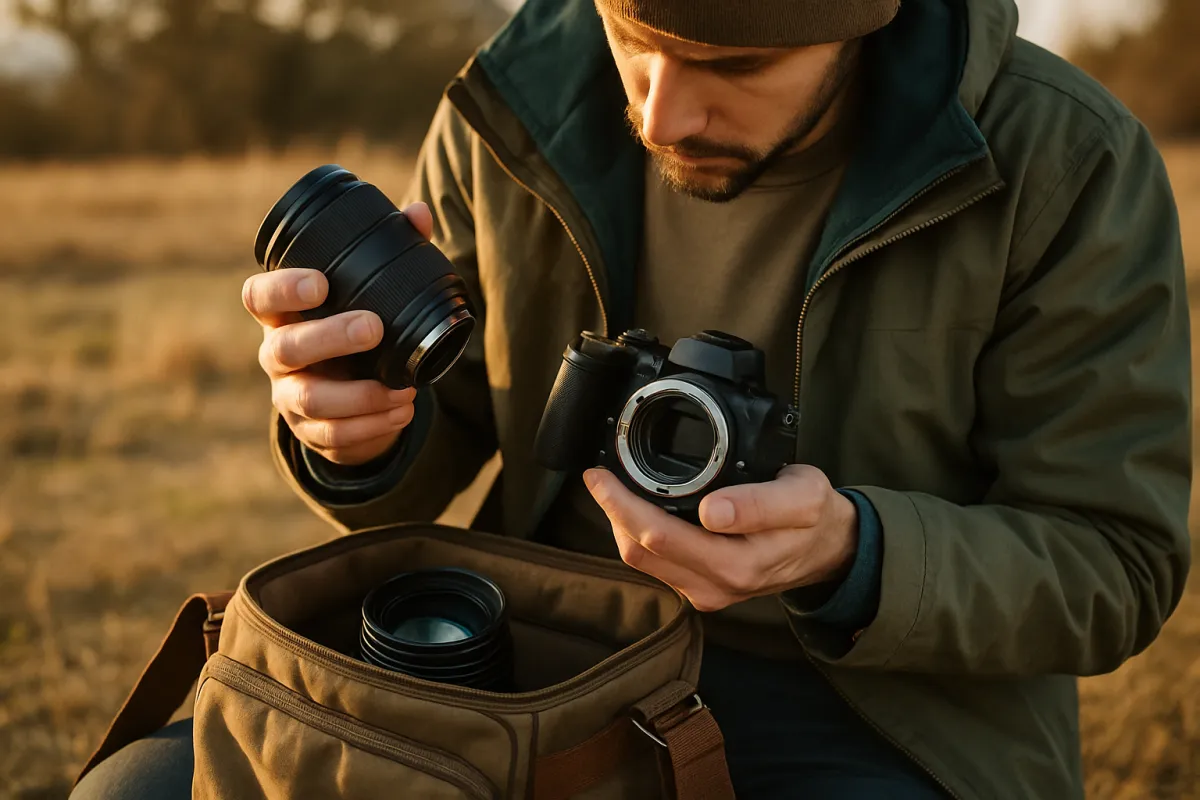
If your DSLR kit includes lenses of noticeably different weight and length, plan for the balance time that costs across a shooting day, and consider whether a gimbal that saves balance profiles per lens, a feature available on many current models though not universal, is worth prioritizing when you shop, since it turns a ten to fifteen minute rebalance into something closer to instant once each lens has been profiled once.
Camera control, triggers, and what DJI’s app can and cannot promise on a DSLR
Many current gimbals, DJI’s included, pair with a companion app that can, for supported cameras, trigger recording, adjust focus, or control exposure directly from the gimbal or a phone. This is a genuinely useful feature when it works, and it is also the single most model-dependent claim in this entire field note, because support is built per camera model and updated over time rather than guaranteed across an entire camera type.
DSLR support for these features has generally trailed behind the newest mirrorless bodies across the industry’s gimbal and camera ecosystems broadly, not as a gap unique to any one maker. If controlling the camera from the gimbal matters to your workflow, treat it as a feature to verify for your exact DSLR model and your exact gimbal model using the current compatibility documentation before buying, not as something to assume because a mirrorless-focused review mentioned it working well. A gimbal that only handles smooth movement and leaves camera triggering to your own hand still accomplishes its core job, which is the one this whole field note is actually about.
A worked example: a DSLR shooter sizing a gimbal
Setup. A DSLR body and a standard zoom together weigh 4.5 pounds, which is a genuinely common combined weight for that camera and lens class, noticeably above what a similar-range mirrorless kit typically runs.
Accessories. A shotgun microphone adds half a pound, bringing the total payload to 5.0 pounds.
Headroom. Adding thirty percent headroom to 5.0 pounds gives a minimum rating to shop for of 6.5 pounds. A gimbal rated right at 5.0 pounds would already be close to its limit on day one, before any future accessory gets added.
Size class. At a 6.5 pound minimum rating, the fit is a heavier single-handed or light dual-handle gimbal, the class that DSLR kits land in more often than a visually similar mirrorless kit would.
Balance. First balance, done with the microphone attached since that is the real shooting configuration, takes an illustrative 12 minutes: roll first, then tilt, then pan, each checked with the gimbal powered off, a little longer than a lighter mirrorless setup because of the more forward balance point.
Budget. Illustrative starting spend for a gimbal in this class: $550. Against a kit valued around $3,200 for the body, lens, and microphone combined, that is 17.2% of the kit’s value, a reasonable illustrative share for a support tool rather than a sign of overspending, though it runs higher than the equivalent mirrorless example simply because the DSLR kit itself, and the gimbal class it needs, both cost more.
Where a DSLR gimbal's payload weight actually goes
Illustrative split, summing to 100, of what makes up a typical DSLR video payload once it is loaded onto a gimbal. The four parts sum to the whole payload, so no single one explains the total on its own.
The lens, not the body, is usually the single largest slice of a DSLR gimbal payload, which is why weighing your actual lens rather than assuming a round number for "the camera" is the step most likely to be skipped and most likely to matter.
Travel, carry weight, and the case nobody mentions
A gimbal’s own folded bulk is a real travel cost that a spec sheet rarely conveys. Folded, a single-handed gimbal is roughly the size of a large bottle, and dual-handle models, the class many DSLR kits land in, fold into something closer to a small toolbox, both needing their own padded case for a checked bag or any real hiking distance, which is weight and space on top of the camera bag itself.
Battery life under real DSLR payload, not the number on the box measured with a lighter demo camera, is the other travel-specific question, and it matters more here than it does for a lighter mirrorless pairing because the margin between rated capacity and actual draw is thinner. Carry a spare gimbal battery the same way you would a spare camera battery on any day that genuinely matters.
Gimbal versus tripod versus handheld for DSLR video
A tripod, covered in our tripod buying field note, wins decisively at anything static for a DSLR the same way it does for a mirrorless body, a locked interview, a long exposure, leaving the camera unattended, none of which a gimbal is built for since its motors work continuously while powered on. A heavy DSLR telephoto setup in particular often sits more comfortably and more affordably on a tripod with a gimbal-style head, covered in the tripod field note, than it does carried continuously on a motorized handheld gimbal.
A gimbal earns its place specifically for movement, walking, following, and smooth panning, that the other options cannot deliver, and it is also the heaviest, most expensive, and most battery-dependent of the choices, which is exactly why the earlier sections on weighing your real payload exist: to confirm the problem you actually have is one only a gimbal solves before paying DSLR-class prices for it. Our note on in-body and lens stabilization covers the baseline every DSLR gimbal purchase should be measured against honestly.
Set a budget before you commit
Price a gimbal as a share of the kit it carries rather than as an isolated number, the same way our tripod field note prices support gear. A rough illustrative starting point for a DSLR gimbal purchase runs from the high end of what a comparable mirrorless gimbal would cost up through a meaningfully larger budget for the heavier single-handed and dual-handle classes many DSLR kits land in, climbing further for a DSLR paired with a cage and a full accessory stack approaching small cinema camera territory.
Before the return window closes, test loaded with your own DSLR and your own lens rather than a demo unit. Balance it with your actual gear, power it on, and walk a hallway or a short outdoor stretch while deliberately changing pace, stopping and starting, and turning corners. Watch for a wobble that was not there when you held the camera still, listen for motor strain, which arrives sooner under a DSLR payload than a lighter one, and check remaining battery life against the claimed figure under your actual load rather than a lighter demo setup. Price whichever model you are leaning toward against your real budget in the upgrade budget planner before you commit.
Common mistakes to avoid
- Shopping by the mirrorless-focused review alone. A payload rating and a balance range that work for a compact mirrorless body do not automatically carry over to a heavier, more forward-weighted DSLR setup.
- Weighing the bare body instead of the body, the lens, and the accessories together. A DSLR’s lens is commonly the single largest slice of the payload, and skipping it understates the real number badly.
- Skipping the headroom math. A gimbal bought right at your DSLR payload is already near its limit before you add a microphone, a monitor, or a longer lens later.
- Rushing the balance on a forward-heavy setup. A badly balanced DSLR rig fights its own motors more aggressively than a lighter, more centered mirrorless setup would, and a lot of return requests trace back here.
- Buying a dual-handle gimbal for a genuinely light DSLR kit. If your real payload sits comfortably in the single-handed class, a dual-handle rig mostly adds weight and cost you carry without using.
- Assuming camera control features port over from mirrorless. DSLR compatibility for triggers and app control is a feature to verify per model, not an assumption to make from a different camera’s review.
- Ignoring the case and the carry weight. A folded dual-handle gimbal and its case are real bulk on a travel day, especially stacked against an already heavier DSLR kit.
Troubleshooting the hard cases
What if my DSLR wobbles on the gimbal even after balancing? Redo the balance from the start rather than nudging the current one, in the order roll, tilt, pan, with the gimbal powered off, moving the plate in smaller increments than you would on a lighter mirrorless setup given how far forward a DSLR lens typically sits.
What if the motors feel like they are straining or running hot? Check your full payload, body, lens, and every accessory attached, against the rated capacity honestly. Running near or over the rated maximum is the most common cause on a DSLR specifically, since the starting weight leaves less margin than a lighter mirrorless kit would have on the same gimbal.
What if the gimbal is rated heavy enough but still will not balance with my lens? This usually means the lens’s balance point falls outside the gimbal’s plate travel or arm reach rather than a payload problem, which is a separate specification worth checking against your specific lens length before assuming the hardware is faulty.
What if I am not sure a gimbal is the right purchase for my DSLR at all? Revisit the comparison against a tripod with a gimbal-style head, and against a monopod if the complaint is really arm fatigue rather than a need for smooth walking shots. A DSLR telephoto setup in particular is often better served by a lighter, cheaper support than a motorized gimbal rated for its full weight.
The bottom line
A DJI gimbal, or any correctly rated gimbal from any maker, works perfectly well with a DSLR, and the entire decision comes down to doing the DSLR-specific version of the same arithmetic that governs any gimbal purchase: weigh your real body, lens, and accessories together, add roughly thirty percent headroom, and buy toward that number rather than toward a model name. Expect that number to land higher than a similar-looking mirrorless kit would need, because a DSLR’s mirror box, prism, and commonly heavier lenses add real weight, and expect the balance point to sit further forward, which is what actually makes the balancing step fussier rather than the pounds alone. Confirm current payload ratings, plate travel, and camera-control compatibility directly from the manufacturer for your exact camera before buying, since lineups and features change constantly, and rule out a tripod or a monopod first if the real complaint is arm fatigue rather than a need for smooth, continuous movement. Set your own kit in the gimbal sizing companion above, and weigh the spend against the rest of your kit in the upgrade budget planner before you commit.
This field note describes a general method for sizing a gimbal to a DSLR camera and names DJI only because it is the maker most commonly searched alongside this question, not as an endorsement, a sponsored mention, or a review of any specific current model; KitBorough runs no affiliate links. Payload weights, balance times, dollar figures, and percentages here are rounded illustrative planning estimates built from typical DSLR and lens dimensions, not measurements of any particular product or quotes from any retailer, so confirm current specifications, compatibility, and pricing directly from the manufacturer before you buy. Camera-control and app-compatibility features in particular are updated per model over time and should be verified for your exact camera and gimbal pairing rather than assumed from this or any other general guide.
Frequently asked questions
Does DJI make a gimbal that works with a DSLR?
Generally yes, within payload limits. DJI's handheld gimbal line spans several size classes, and the larger ones in that lineup are built around exactly the heavier payloads that a DSLR with a substantial lens produces. The honest qualifier is that model names, rated payload capacities, and supported camera control features change between revisions, so confirm the current specification sheet directly from DJI or a retailer for the specific model you are considering rather than trusting a number from memory or an older review. What stays true across revisions is the method: weigh your real setup, add headroom, and match that number to the class the gimbal is rated for.
Why is a DSLR harder to put on a gimbal than a mirrorless camera?
Mostly because of where the weight sits and how much of it there is. A DSLR carries a mirror box and an optical viewfinder prism that a mirrorless body does not, which adds mass low and toward the lens mount before a lens is even attached, and DSLR lenses in a given focal range commonly run heavier than their mirrorless equivalents too. That combination usually pushes a DSLR and its lens into a heavier payload class than a visually similar mirrorless kit, and it also shifts the balance point further from the body, which is the detail that actually makes the balancing step fiddlier rather than the raw weight alone.
What payload rating do I need for a DSLR on a gimbal?
Weigh your DSLR, the lens you actually shoot with, and anything riding on top such as a microphone or a small monitor, fully assembled. Add roughly thirty percent on top of that number as working headroom, and buy a gimbal rated at or above the result. A gimbal loaded right at its published maximum tends to run its motors harder, drain its battery faster, and leave no room for the next accessory, and that pattern shows up sooner on a DSLR body simply because the starting weight is already higher.
Should I buy a single-handed or dual-handle DJI gimbal for a DSLR?
Let the payload number decide rather than the price tag. A lighter DSLR with a modest prime or kit zoom often still fits a single-handed gimbal comfortably. A DSLR paired with a fast standard zoom, a longer lens, or a cage and accessory stack more often lands in the heavier single-handed or dual-handle class, where a second handle shares the weight across two wrists instead of one and unlocks low and overhead shooting positions a single handle cannot reach as naturally. Buying a dual-handle rig for a light DSLR kit mostly adds weight and cost you carry without using.
Can a gimbal make up for a DSLR not having in-body stabilization?
Only for movement, not for the small fast shake that in-body stabilization corrects. Most DSLRs rely on lens-based stabilization if the lens has it, and some DSLR lenses have none at all, so the camera brings less built-in correction to the pairing than a stabilized mirrorless body would. A gimbal's motors are built to handle large, deliberate movement, walking, following, panning, which is a different job, and they do that job the same way regardless of what the camera itself can or cannot correct. A gimbal is a genuinely useful addition to a DSLR for that reason, but it does not replace a steady base technique for static handheld shots.
Does DJI's camera control feature work with a DSLR the way it does with a mirrorless camera?
Support for triggering focus, recording, and parameter control from the gimbal or its app varies by camera model and by gimbal model, and DSLR support has historically lagged behind the newest mirrorless bodies in manufacturers' compatibility lists generally, not DJI's specifically. Treat any camera control claim as something to confirm for your exact camera and gimbal pairing before buying, using the current compatibility list from the manufacturer, rather than assuming a feature that works on a mirrorless body ports over to a DSLR automatically. A gimbal that only handles movement and not camera triggering still does its core job.
How long does it take to balance a DSLR on a gimbal?
A first balance with a bare DSLR and lens typically runs ten to fifteen minutes once you know the order, roll, then tilt, then pan, done with the gimbal powered off so the arms move freely, a little longer than a comparable mirrorless setup because the heavier, more forward-weighted mass is less forgiving of an imprecise first pass. Add a microphone, a monitor, or a light and plan for fifteen to twenty five minutes, since each accessory shifts the center of gravity and usually forces a redo from the start. Once a specific camera and lens combination is balanced and saved as a profile, returning to it later is close to instant on most gimbals.
Is a DJI gimbal worth it for a heavy DSLR telephoto setup?
It depends on what you are trying to fix. If the problem is smooth movement while walking or following a subject with a long DSLR lens attached, a correctly rated gimbal genuinely solves that, though the combined weight of a heavy telephoto DSLR rig can push you into the larger, more expensive dual-handle class and a correspondingly longer carry day. If the actual complaint is arm fatigue from holding a heavy lens still rather than a movement problem, a monopod or a tripod with a gimbal-style head solves that same complaint for a fraction of the weight, the battery dependency, and the cost, and is worth ruling out first.