What's on this page
- What “Best for Beginners” Actually Means
- Who This Comparison Is For
- The Buying Decision in One Sentence
- Three Realistic Budget Tiers at a Glance
- Entry Tier: What You Get and What You Give Up
- Mid Tier: Where Most Buyers Land
- Enthusiast-Adjacent Tier: When It’s Worth It
- Gimbal Stabilization: 2-Axis vs 3-Axis Compared
- Sensor Size and Why It Matters More Than Resolution
- Obstacle Avoidance: None, Basic and Multi-Directional
- Flight Time and Battery Realism Compared
- Folding vs Fixed-Arm: Portability Compared
- Video Frame Rate and Bitrate: What a Beginner Actually Needs
- Transmission Range and Return-to-Home Compared
- Beginner or Restricted Flight Mode: Why It Matters for a First Purchase
- Weight Class and FAA Registration
- What’s Actually in the Box vs What You’ll Need to Buy
- Buying for Someone Else: Drones as Gifts
- Comparison at a Glance: Tier by Tier
- A Worked Example: Two Realistic Buying Scenarios
- Common Buying Mistakes
- Your Beginner Camera Drone Checklist
- The Bottom Line
Short answer: The best camera drone for a beginner has three features before anything else: a stabilized gimbal, GPS-based position holding and at least basic obstacle sensing. Within that baseline, sensor size matters more than megapixels, a 3-axis gimbal beats a 2-axis one for video, and a beginner or restricted flight mode is worth prioritizing on a drone bought as a gift. Most first-time buyers land in a mid-price tier that includes all of this in mature form, rather than the cheapest option that lacks it or the priciest option whose extra features a first season cannot yet use.
Shopping for a first camera drone starts with a wall of specs that mostly do not matter yet, and a short list that matters enormously. Megapixel counts, maximum transmission range and top speed all sit on the listing in bold numbers, and none of them is the reason a beginner’s first flights go well or badly. The features that actually decide whether a new pilot keeps the drone in the air and comes home with a usable photo are quieter: whether the camera is stabilized against the airframe’s own movement, whether the drone holds still on its own when you let go of the controls, and whether something is watching for the tree you are not looking at because you are watching the screen.
KitBorough already covers the mechanics of flying safely once you own a drone in our drone photography field note: FAA rules, battery realism, wind judgment and composition from the air. This field note answers the question that comes before any of that: which camera drone to actually buy, compared feature by feature and budget tier by budget tier, for a true first-time buyer and for an adult buying one as a gift. No brand or model is named on purpose, since listings change faster than an article can track; instead, this maps the category the way it actually splits, so you can compare any specific listing against a tier you already understand. Weigh your own answer against the budget tiers in the gear budget planner before you commit.
Key takeaways
- Three features decide whether a beginner drone is usable at all: a stabilized gimbal, GPS position holding, and at least basic obstacle sensing. Buy for those first, everything else second.
- Sensor size beats megapixel count for real-world image quality, especially in anything other than full midday sun, which is most of a beginner's actual flying time.
- A 3-axis gimbal produces a noticeably steadier result than a 2-axis one, particularly for video and particularly in wind; stills-only buyers can weigh the gap as smaller.
- The cheapest tier, generally without GPS hold, is a reasonable toy for testing interest but a poor photography tool, since the drone drifts in wind the moment you stop actively flying it.
- A gift drone benefits from a beginner or restricted flight mode, a carrying case, and a spare battery more than it benefits from a bigger sensor the recipient cannot yet use well.
What “Best for Beginners” Actually Means
“Best” on a beginner camera drone does not mean the newest, the most expensive, or the one with the longest spec sheet. It means the drone that gets flown often, survives the mistakes a first season inevitably includes, and produces photographs the owner is actually happy with. Those three outcomes trace back to a short, specific list of features rather than to an overall price tag, which is why two drones at very different prices can both be genuinely good beginner choices, and why a single very expensive drone can be a poor one if it lacks the basics.
The practical test is this: does the drone hold itself steady in the air without constant correction from the pilot, does the camera stay steady relative to the airframe even as the airframe corrects for wind, and does something help catch the mistake a distracted beginner is statistically likely to make. A drone that answers yes to all three, even at a modest price, outperforms a drone that answers no to any of them regardless of its camera’s resolution.
Who This Comparison Is For
This field note is written for two overlapping buyers. The first is someone who has never flown a camera drone and is choosing a first one for themselves, likely cross-shopping listings that all claim to be beginner-friendly without making clear what that actually means feature by feature. The second is an adult buying a drone as a gift for someone else, a buyer with a different set of priorities: ease of first use matters more than long-term upgrade headroom, and a few small inclusions in the box change whether the gift gets flown in its first month or sits in a closet.
Both buyers benefit from the same underlying comparison, since the features that make a drone forgiving for a true first-timer are the same features that make a gift drone succeed. Where the priorities genuinely diverge, each section below calls it out directly.
The Buying Decision in One Sentence
Before any budget number: buy for a stabilized gimbal, GPS position holding and obstacle sensing, then let price and remaining features sort out which specific listing within that baseline fits your budget. A drone lacking any of the three is not really competing in the same category as one that has all three, no matter how its price compares.
Everything past that baseline, sensor size, gimbal axis count, transmission range, maximum altitude, is a real and worthwhile comparison, but it is a comparison between drones that already clear the bar, not a reason to buy one that does not.
Three Realistic Budget Tiers at a Glance
The beginner camera drone market splits fairly cleanly into three tiers, and understanding the split before you open a single listing saves most of the back-and-forth comparison shopping usually involves.
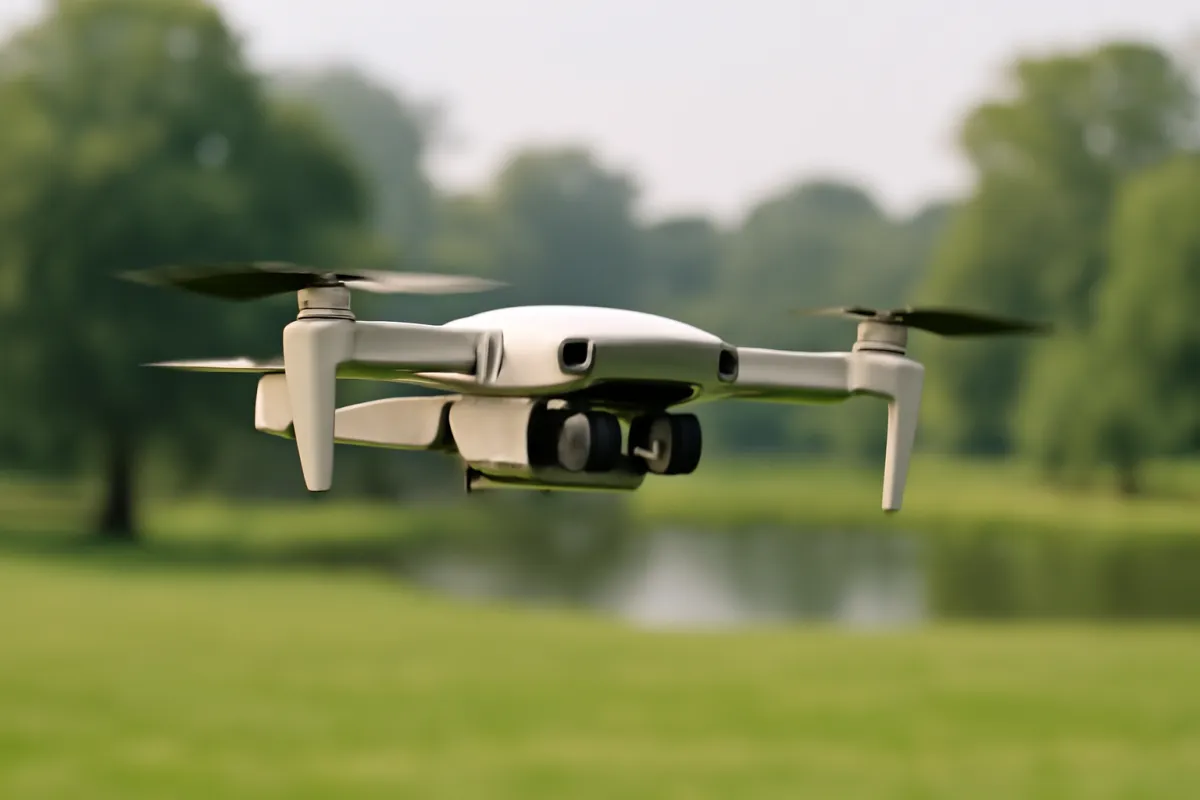
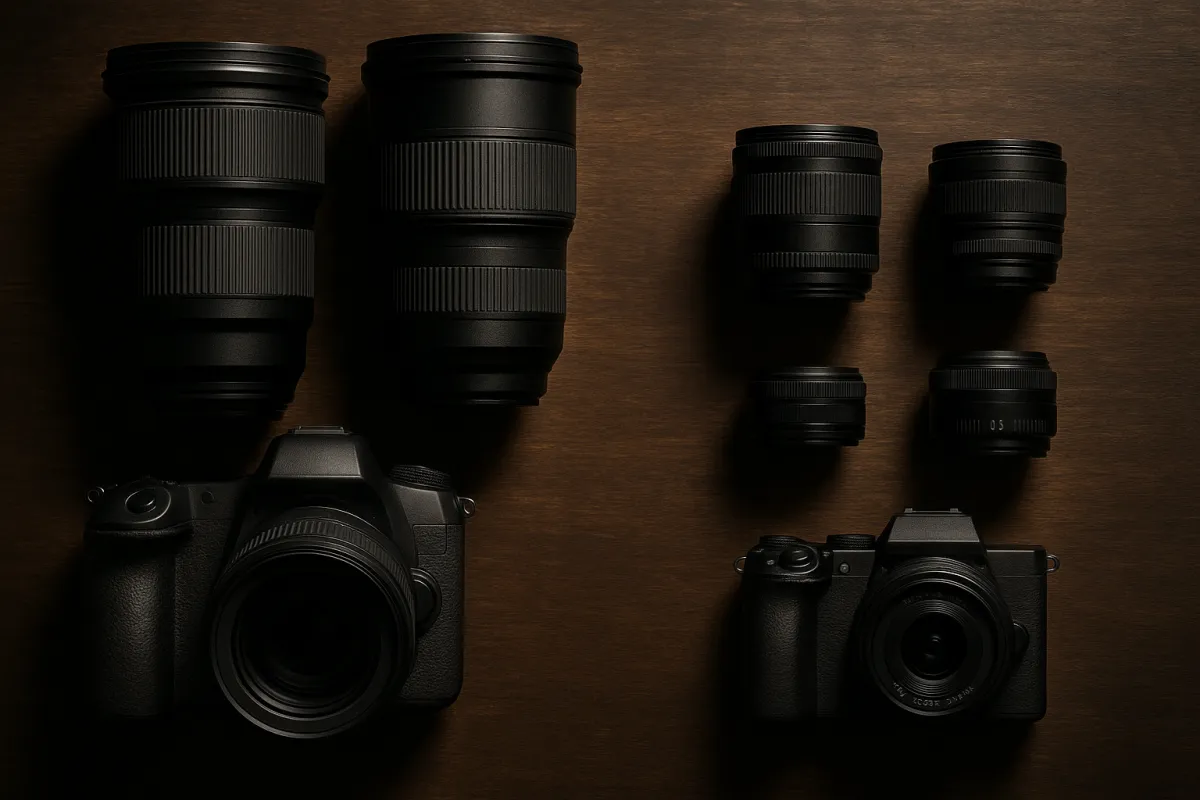
The entry tier buys a small, often sub-250-gram drone with basic GPS hold, a simple gimbal and a smaller sensor. The mid tier, where most buyers who stay with the hobby land, adds a larger sensor, a mature 3-axis gimbal, more reliable obstacle sensing and meaningfully better low-light handling. The enthusiast-adjacent tier goes further still: a bigger sensor yet, longer range, more sophisticated multi-directional avoidance, and features that mostly matter once you already know you fly often.
Where the money goes in a mid-tier beginner drone purchase
Illustrative share of a typical mid-tier budget, out of 100, split across the drone itself and the accessories a first-season buyer actually ends up purchasing.
The airframe itself is usually just over half the realistic total spend once batteries, a case and a memory card are added, which is why comparing two listings on sticker price alone understates the true cost difference between tiers. Budget the full stack, not just the drone, with the companion above.
Entry Tier: What You Get and What You Give Up
An entry-tier beginner camera drone typically weighs under the roughly 250-gram FAA registration threshold, carries basic GPS position holding, a simpler gimbal, often 2-axis rather than 3-axis, and a smaller sensor. It is genuinely the easiest category to learn on: light, slow and forgiving of the mistakes a first flight almost always includes.
Its ceiling is real, though. Low-light performance suffers from the smaller sensor, wind drift is more visible even with GPS hold engaged, and the camera itself will frustrate a buyer who outgrows it within a single season. This tier suits someone testing genuine interest before spending more, a buyer with a firm budget ceiling, or a gift for someone whose enthusiasm for flying is still unproven.
Mid Tier: Where Most Buyers Land
The mid tier is where the category’s real value sits for most beginners. Expect a larger sensor than the entry tier, a mature 3-axis gimbal, RAW capture rather than only compressed JPEG, more reliable obstacle sensing in at least the forward and downward directions, and noticeably better low-light handling.
This tier removes the most beginner frustration for the smallest realistic jump in price, because it delivers the three baseline features from earlier in this field note in a well-tested, mature form rather than a stripped-down minimum. For a buyer who has decided they will actually fly regularly, or a gift for someone with demonstrated interest, this is the tier most worth stretching the budget toward.
Enthusiast-Adjacent Tier: When It’s Worth It
The top of the beginner-accessible range adds a larger sensor still, sometimes an adjustable aperture, longer transmission range and more sophisticated multi-directional obstacle avoidance. It is a legitimate upgrade path for someone who already knows they fly often, but very little of it changes the photographs of a true first-season pilot, because the limiting factor at that stage is flying skill and judgment, not hardware capability.
Buying into this tier as a first drone is not a mistake exactly, but it is spending money on headroom a beginner typically cannot use yet, when that same money could instead buy a mid-tier drone plus the spare batteries and case that actually extend flying time in the first season.
Gimbal Stabilization: 2-Axis vs 3-Axis Compared
A gimbal is the small motorized mount that counters the airframe’s own movement so the camera stays steady relative to the ground even as the drone itself tilts, banks and corrects for wind. A 2-axis gimbal corrects pitch and roll, the forward-tilt and side-tilt motions, but leaves yaw, the twisting motion around a vertical axis, only partly corrected. The practical effect is a subtle horizontal wobble that shows up more in video than in stills, and occasional softness during a turn.
A 3-axis gimbal corrects all three axes and produces a visibly steadier result, especially in wind and especially in video, where the difference is far more noticeable over several seconds of footage than in a single still frame. For a beginner whose primary interest is stills photography, the gap between 2-axis and 3-axis matters less, though it is still a real, measurable difference in sharpness during any turn or wind gust. For anyone planning to shoot video regularly, prioritizing 3-axis stabilization is worth a real share of the budget.
Sensor Size and Why It Matters More Than Resolution
Megapixel count is the easiest spec to compare at a glance and the least predictive of actual image quality on a drone. Sensor size is the spec that matters, and it rarely appears in bold on a listing the way megapixels do.
A physically larger sensor gathers more light per pixel, which translates directly into cleaner detail and better color in anything other than full midday sun, conditions a drone flies in constantly given how often golden hour, overcast days and shaded terrain factor into aerial photography. Between two drones with similar megapixel counts, the one with the larger sensor will hold shadow and highlight detail noticeably better, and that difference compounds the moment you edit the file rather than view it straight off the card. Our megapixel field note covers the general version of this principle; on a drone, where the sensor is already working against a small, lightweight lens, the gap between sensor sizes is even more visible than on a ground camera.
Obstacle Avoidance: None, Basic and Multi-Directional
Obstacle sensing splits into three practical tiers. The entry tier often has none at all, or a single simple downward sensor meant mainly to assist landing rather than to prevent a collision. The mid tier typically adds forward and downward sensing, which catches the single most common beginner mistake: flying directly into a tree, a wall or a wire while attention is on the phone screen rather than the aircraft itself. The top tier adds sensing in most or all directions, catching mistakes from the side and rear that forward-only sensing misses.
For a true first-time buyer, basic forward and downward sensing is worth paying for specifically because it targets the mistake beginners statistically make most often. Full multi-directional avoidance is a genuine upgrade, not a requirement, since attentive flying habits cover much of what advanced sensing automates, and a beginner is still the one responsible for checking the sky before launch regardless of how many sensors the drone carries.
Flight Time and Battery Realism Compared
Rated flight time on the box is measured under close to ideal conditions: calm air, moderate temperature and smooth, efficient flying with little hovering. Real sessions rarely match any of those three, and the gap between rated and real time is worth comparing across tiers rather than assuming it is uniform.
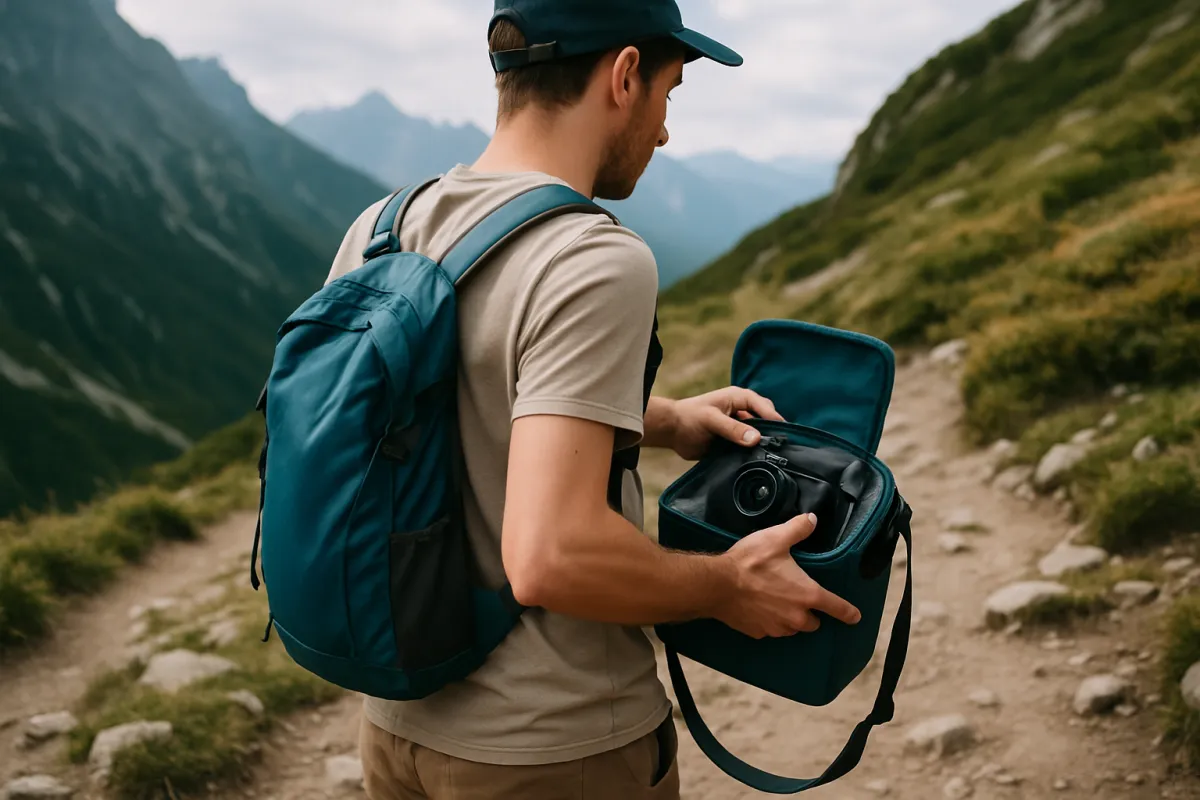
As a rough illustrative pattern, a rated 25 to 30 minute battery across most beginner tiers commonly delivers something closer to 20 to 23 minutes of real flying once wind, cold and the hovering an actual photograph requires are factored in, roughly a quarter off the rated number. This pattern holds fairly consistently across entry and mid tiers; what changes between tiers is less the percentage lost and more whether the drone comes with one battery or two, since a second battery does more to extend a real session than almost any other single purchase.
Folding vs Fixed-Arm: Portability Compared
Beginner camera drones split into folding designs, where the arms fold flat against the body for a compact footprint, and fixed-arm designs, which are generally sturdier but considerably bulkier to carry. The folding design dominates the entry and mid tiers for a practical reason: a drone that fits in a jacket pocket or a small bag gets carried on more trips than one that needs a dedicated hard case, and more trips translates directly into more flying, which is the single biggest driver of actually getting good at the hobby.
Fixed-arm designs are more common at the enthusiast-adjacent tier, where the larger sensor and additional hardware already push the drone past pocketable size regardless of whether the arms fold. For a true beginner, portability is easy to underweight while shopping and impossible to ignore once the drone is sitting unused in its case because bringing it along felt like a hassle.
Video Frame Rate and Bitrate: What a Beginner Actually Needs
Video specs on a drone listing read like a wall of numbers, and most of them matter less to a beginner than the listing implies. Resolution gets top billing, usually 4K, but frame rate and bitrate are the two numbers that more directly affect how usable the footage actually looks once it is off the drone and into an editor.
Frame rate determines how smooth motion looks and how much flexibility you have afterward. A standard 24 or 30 frames per second suits most beginner aerial footage, landscapes, slow pans, establishing shots, and matches what most editing software and most viewers expect by default. A higher frame rate, commonly 60 frames per second at a given resolution, is worth having specifically if you want the option to slow footage down afterward for a smoother slow-motion effect, which is a genuinely popular use of aerial footage. It is a nice-to-have rather than a requirement for a true beginner’s first season.
Bitrate is the number that most listings bury or omit entirely, and it has an outsized effect on how much detail survives in fast motion or complex scenes like moving water or dense foliage. A low bitrate at a high resolution can actually look worse in motion than a lower resolution at a healthier bitrate, because the file is compressing more information into fewer bits per second and losing detail to do it. This is a spec worth searching for specifically rather than assuming a high resolution number alone guarantees good-looking footage.
The practical beginner takeaway is to weigh frame rate and bitrate roughly as heavily as resolution when comparing two similarly priced drones, rather than defaulting to whichever lists the bigger resolution number in its name. A camera with slightly lower resolution but healthier bitrate frequently looks better in real footage than one that leads with a flashy resolution figure and compresses it heavily to manage file size.
Transmission Range and Return-to-Home Compared
Transmission range, the distance at which the controller reliably communicates with the drone, varies considerably across the beginner category and is one of the specs most likely to be overweighted by a first-time buyer who assumes more range is simply better. For a true beginner, most flying happens well within even a modest drone’s range, since composing a considered photograph generally keeps the pilot and the drone reasonably close together rather than pushing to the aircraft’s absolute limit. A shorter range is rarely the limiting factor in a beginner’s first season.
Return-to-home matters considerably more in practice. This safety feature sends the drone back to its launch point automatically if the signal drops or the battery runs critically low, and it is close to a requirement rather than an optional extra, since it is the single feature most likely to recover a beginner’s drone from a lost-signal situation rather than losing it outright. Checking that a listing includes a reliable, GPS-based return-to-home feature is worth more attention than comparing the last few hundred meters of advertised transmission range between two otherwise similar drones.
The honest framing for both specs: range sounds like the more exciting number, but return-to-home is the one that actually protects your purchase. If a listing is vague about whether return-to-home is GPS-based and reliable at low signal, treat that vagueness as a real gap rather than an oversight, since it is the feature standing between a confused beginner and a drone that flies away rather than flies home.
Beginner or Restricted Flight Mode: Why It Matters for a First Purchase
Many entry and mid-tier drones include a beginner or restricted mode that caps maximum speed and distance while a new pilot learns the controls. It is easy to dismiss as an unnecessary training wheel, and it is genuinely one of the more valuable features on a first drone, particularly for a gift recipient who has never flown anything before.
Using it for the first several flights, even if it feels overly cautious, meaningfully reduces the odds of the kind of fast, confused correction that ends in a crash. A drone that includes this mode and a drone that does not are not equally beginner-friendly even if every other spec matches, and it is worth specifically checking for before buying a drone for someone who has not flown yet.
What beginners wish they had checked before buying
Illustrative weighting, out of 100, of which overlooked spec most commonly caused regret among first-time camera drone buyers. A mental model drawn from common beginner experience, not a measured study.
The top two regrets are both budgeting decisions made before the first flight, which is why this field note spends real time on them rather than on camera specs. Weigh your own priorities against these with the companion above.
Weight Class and FAA Registration
Weight decides a real legal obligation separate from any camera spec, and it is worth factoring into the buying decision itself, not just the flying decision that comes after. The FAA sets a weight threshold, currently around 250 grams, about 0.55 pounds, including the battery and any permanently attached accessories. Drones at or above that line are very likely to require registration before outdoor flight.
Most entry-tier and many mid-tier drones sit under that line by design, which is a real convenience for a buyer who wants to skip a short piece of paperwork, though registration itself is not a meaningful burden when it does apply. Our drone photography field note covers the registration process, the TRUST safety course and airspace rules in full depth; confirm the current weight threshold at faa.gov before you buy if staying under it matters to you.
What’s Actually in the Box vs What You’ll Need to Buy
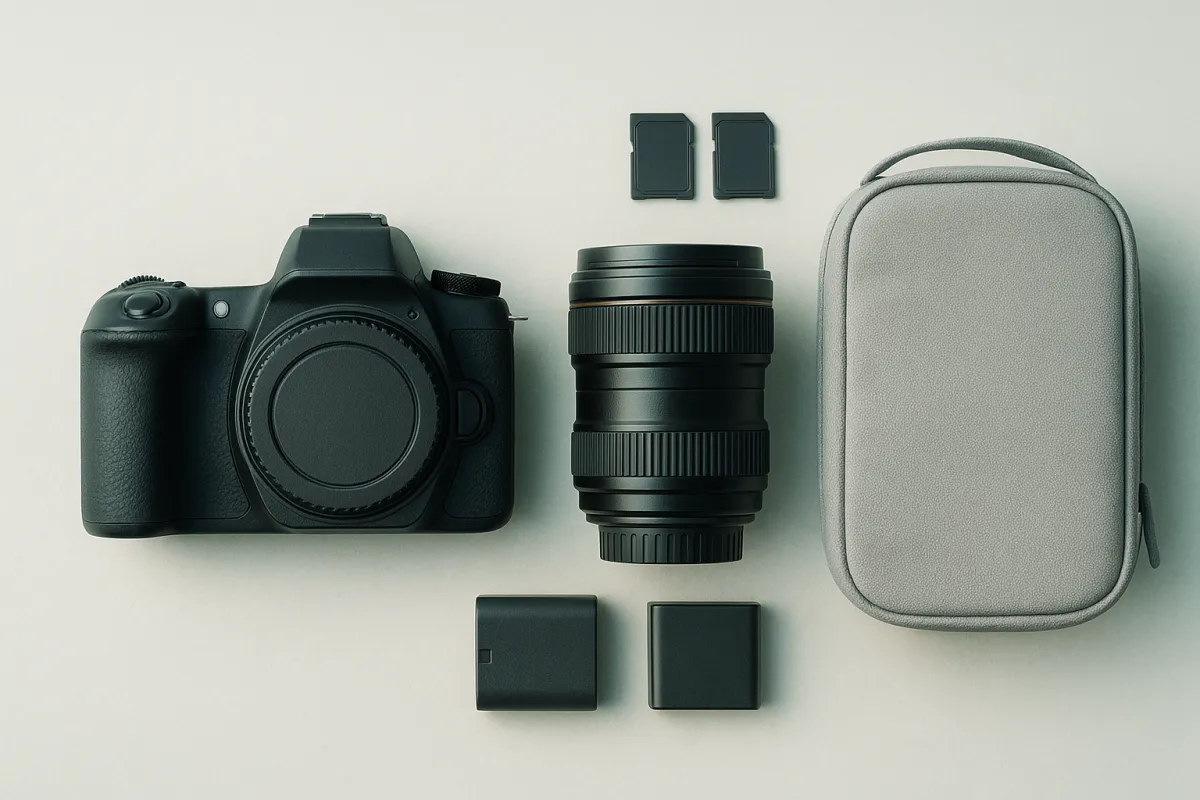
Listings vary considerably in what ships with the drone itself, and the gap between the sticker price and the realistic total cost is where many first-time buyers get an unpleasant surprise. A single battery is standard at every tier; a second is usually sold separately and is close to a necessity rather than a luxury, given how short one battery’s realistic flying time actually is. A carrying case ships with some listings and not others. Propeller guards, useful for early indoor or tight-space practice, are inconsistent across listings even within the same tier. A memory card is frequently not included at all and needs to be bought separately, with the SD card buying guide covering which speed class actually matters for the resolution you plan to shoot.
Before comparing two listings on price, check this list against both. A cheaper listing that ships with none of it can cost more in total than a pricier one that includes a second battery and a case.
Buying for Someone Else: Drones as Gifts
A gift purchase has a different priority order than a self-purchase, because the buyer is optimizing for the recipient’s first experience rather than their own long-term upgrade path. Ease of first flight matters more here than almost anywhere else in this comparison: beginner or restricted mode, a clear and simple app, and GPS position holding that makes the drone forgiving the moment it leaves the box all matter more to a gift recipient than sensor size or transmission range.
A spare battery and a case, often skipped on a self-purchase to save money, are worth including specifically as part of a gift, since they are the two things most likely to determine whether the drone gets flown in its first month or sits unopened past the novelty. Weight class is also worth checking specifically for a gift: handing someone a drone that crosses the registration threshold without mentioning it is an unpleasant surprise for a recipient who assumed they could fly it the same afternoon.
Comparison at a Glance: Tier by Tier
Reading the three tiers side by side makes the trade-offs easier to weigh than reading them as separate sections. The entry tier wins on portability and price and loses on low light and camera ceiling. The mid tier wins on the balance most buyers actually want: a mature gimbal, solid obstacle sensing and a real step up in sensor size, for a real but not extreme jump in price. The enthusiast-adjacent tier wins on raw capability and loses on value for anyone who has not yet flown a full season, since the limiting factor there is skill rather than hardware.
Matching your own answer to “how often will I actually fly this” against these three tiers, honestly rather than aspirationally, is the single most useful filter before opening a single product listing.
A Worked Example: Two Realistic Buying Scenarios
Scenario one: a first-time adult buyer with a moderate budget. The buyer has never flown a drone, wants to shoot both stills and occasional video of hikes and a planned coastal trip, and has set a budget that comfortably covers the mid tier. The right move is a mid-tier drone with a 3-axis gimbal and forward-and-downward obstacle sensing, plus a second battery purchased alongside it. Skipping the second battery to save money here is a false economy, since a single battery’s roughly 20 minutes of real flying time will end nearly every session just as the buyer is finding a good composition.
Scenario two: a gift for a teenager who has shown interest but never flown. The giver’s budget sits closer to the entry tier, and the priority is a successful first experience over camera quality. The right move is an entry-tier or low mid-tier drone that specifically includes GPS position holding and a beginner flight mode, paired with a carrying case so it survives a backpack trip to a park. A bigger sensor matters far less here than a drone that holds still on its own and will not drift into a tree on flight one.
Run your own situation, budget, primary use and who is actually flying it, through the companion above to land on a tier before you start comparing specific listings.
Common Buying Mistakes
- Buying on megapixels alone. Sensor size predicts real image quality far better than resolution does, and a higher megapixel count on a small sensor mostly produces a bigger file, not a better photo.
- Skipping the second battery. One battery’s realistic 20 to 23 minutes of flying time is a short session once takeoff, landing and composition time are subtracted.
- Assuming all obstacle sensing is equal. None, forward-only and multi-directional are three meaningfully different tiers, not a single checkbox feature.
- Choosing a fixed-arm model for portability-sensitive use. A drone that is a hassle to carry gets carried less often, and less flying is the single biggest limiter on getting good at the hobby.
- Overbuying for a first drone. The enthusiast-adjacent tier’s extra range and avoidance mostly serve a skill level a first season has not reached yet.
- Ignoring weight class when buying a gift. A drone that crosses the registration threshold is a different gift than one that does not, and the recipient should know which they received.
Your Beginner Camera Drone Checklist
- Confirm the drone has a stabilized gimbal, GPS position holding and at least basic obstacle sensing before comparing anything else.
- Compare sensor size, not just megapixel count, between any two listings you are weighing.
- Check whether the gimbal is 2-axis or 3-axis, and weigh that more heavily if video is a priority.
- Price a second battery and a case into the real total, not just the drone's sticker price.
- Check the weight against the roughly 250-gram FAA threshold if avoiding registration matters to you.
- For a gift, specifically confirm beginner or restricted flight mode is included.
- Decide the realistic tier for how often you will actually fly, not the tier that looks most impressive in the listing.
- Confirm a memory card is included or budget to buy one separately.
The Bottom Line
The best camera drone for a beginner is not the one with the most megapixels or the longest spec sheet, it is the one that holds itself steady, keeps the camera steady relative to the airframe, and helps catch the mistake a distracted first-time pilot is statistically likely to make. A stabilized gimbal, GPS position holding and at least basic obstacle sensing are the baseline worth paying for before any other comparison starts. Past that baseline, sensor size beats megapixels, a 3-axis gimbal beats a 2-axis one for video, and a second battery does more for a real first season than almost any other single purchase.
Match the tier to how often you will genuinely fly, not to the most impressive spec sheet in your price range, and if the drone is a gift, weight class and a beginner flight mode matter more than they might seem to on paper. Price your own answer against the three tiers in the gear budget planner, and once the drone is chosen, our drone photography field note covers everything that comes after the purchase.
This field note compares categories and feature tiers rather than specific products: no brand or model is named on purpose, since listings and prices change faster than an article can track. Figures for flight time, weight thresholds and budget shares are illustrative starting points for a general beginner category, not a specification for any one drone. FAA rules on registration and recreational flight are set by federal law and updated periodically; confirm current requirements at faa.gov before you fly.
Frequently asked questions
What is the single most important spec on a beginner camera drone?
A stabilized gimbal, ahead of sensor size, obstacle avoidance and megapixels. Every other spec improves a photo that is already steady. A gimbal is what makes the photo steady in the first place, and no amount of resolution fixes a shaky frame. If a listing does not clearly state a stabilized, multi-axis gimbal, assume the footage will look worse than the spec sheet suggests.
Is a more expensive camera drone actually better for a true beginner?
Only up to a point, and that point arrives earlier than most first-time buyers expect. A drone with a stabilized gimbal, GPS position holding and basic obstacle sensing covers nearly everything a beginner needs for a full season of flying. Past that tier, extra money buys a bigger sensor, longer range and more advanced avoidance, features a first-season pilot mostly cannot use yet because the limiting factor is flying skill, not hardware.
Are the cheapest drones with a camera worth buying at all?
Only for a specific buyer: someone testing whether they enjoy flying at all before committing real money, or a child under supervision. The lowest tier generally lacks GPS position holding, which means the drone drifts in any wind rather than sitting still in the air, and that single gap makes a composed photograph genuinely difficult. Treat that tier as a toy that happens to have a camera, not a photography tool.
What should a beginner buying a drone as a gift actually check?
Weight class first, since it decides whether the recipient needs to register the drone before flying it outdoors. Then check that beginner or restricted flight mode is included, since a gift drone handed to someone who has never flown benefits enormously from a mode that caps speed and distance while they learn. A carrying case and a spare battery, often sold separately, turn a gift that works into a gift that gets used.
How many propeller guards or spare batteries should come in the box?
Treat propeller guards as expected rather than optional on a true beginner model, since a first flight indoors or in a tight space is a near-certainty and a guard turns a clipped propeller into a non-event. One spare battery is close to a requirement rather than a nice extra, since a single battery typically delivers 20 to 25 minutes of real flying, which is a short session once you subtract takeoff, landing and the time it takes to find a composition.
Does sensor size matter more than megapixels on a beginner drone?
Yes, and by a wide margin. A physically larger sensor gathers more light, which keeps a photo clean and detailed in overcast light, shade or the lower light of early morning and late afternoon, conditions a drone flies in often. A higher megapixel count on a small sensor mostly produces a larger file with the same noise and dynamic range limitations, not a meaningfully better photo.
What is the realistic difference between 2-axis and 3-axis gimbal stabilization?
A 2-axis gimbal corrects pitch and roll, the tilting and tipping motions, but leaves yaw, the side-to-side twisting motion, partly uncorrected, which shows up as a subtle horizontal wobble in video and occasional softness in stills during a turn. A 3-axis gimbal corrects all three and produces a noticeably steadier result, especially in any wind. For stills-focused beginners the gap matters less than for video; for anyone planning to shoot video regularly, 3-axis is worth prioritizing.
Should a beginner buy obstacle avoidance or skip it to save money?
Basic forward and downward sensing is worth paying for on a first drone, because it is the feature most likely to prevent the single most expensive beginner mistake: flying into a tree or a wall while watching the phone screen instead of the aircraft. Full multi-directional avoidance is a genuine upgrade but not a requirement for a first season, since careful flying habits cover most of what advanced avoidance automates.