What's on this page
- What a megapixel actually is
- The short answer: fewer than you think
- The print-size math nobody does
- Screens show even fewer
- Why more megapixels can hurt
- Sensor size is the real quality driver
- Cropping: the one honest case for more
- Phone cameras and the pixel-binning trick
- How many megapixels for a phone camera
- When high resolution genuinely matters
- The diminishing-returns curve
- What to prioritize instead of megapixels
- Video resolution is not photo megapixels
- File size, storage, and the hidden tax
- Low light: where extra pixels bite back
- Diffraction and the lens ceiling
- A worked example: matching megapixels to output
- Common megapixel mistakes
- Upscaling software and the shrinking case for resolution
- The bottom line
Short answer: Fewer than you think: something in the neighborhood of 20 to 24 megapixels is comfortably enough for nearly all real photography. A 4x6 print needs about 2 megapixels, an 8x10 about 7, a 16x20 around 28, and a 4K display shows only about 8. The one honest reason to buy more is cropping headroom; sensor size and lens quality, not pixel count, decide how a photo actually looks.
Walk into any camera aisle, physical or digital, and the loudest number on every box is the megapixel count, presented as a straight-line score: more is better, buy the biggest you can afford. It is one of the most successful and most misleading pieces of marketing in consumer technology, because for most people, most of the time, the honest answer is that you need far fewer megapixels than the number implies, and chasing the number can quietly make your photographs worse.
This field note takes the megapixel question apart the way we take every gear myth apart: with the physics and the arithmetic instead of the ad copy. We cover what a megapixel actually is, the print-size math that sets the real requirement, how few pixels a screen ever shows, the specific ways extra resolution can hurt, the phone pixel-binning trick that makes the 108-megapixel number a fiction, and the one genuine case for buying more. It sits alongside our field note on sensor size and our first-camera budget note, and the same discipline runs through all three: plan the spend against your real output with our upgrade budget planner before any number on a box decides it for you.
Key takeaways
- A megapixel is a measure of resolution, how many dots your photo contains, not a measure of quality. It sets how large you can print and how hard you can crop, and nothing else.
- The print-size math is humbling: a 4x6 needs about 2 megapixels, an 8x10 about 7, a 16x20 around 28. A modern 24 megapixel body clears almost every print an enthusiast ever makes.
- Screens show shockingly few pixels. A 4K display resolves about 8 megapixels, and web sharing throws away far more, so most photos are viewed at a fraction of the resolution they were captured at.
- More megapixels can hurt: bigger files, slower shooting, heavier storage, and on small sensors, more low-light noise and earlier diffraction softening.
- The one honest reason to buy extra resolution is cropping headroom. Sensor size and lens quality, not pixel count, are what actually drive how a photo looks.
What a megapixel actually is
Start with the definition, because the whole confusion lives here. A megapixel is one million pixels, and the pixel count of a photo simply describes how many tiny dots make up the image: a 24-megapixel camera records roughly 24 million of them, arranged in a grid about 6000 dots wide by 4000 tall. That is all the number measures. It is a count of dots, a resolution figure, and it answers exactly one question: how large can this image be reproduced before the individual dots become visible.
What the number does not measure is everything people assume it does. It says nothing about how accurate the colors are, how much detail survives in bright skies and deep shadows, how clean the image stays in dim light, or how sharp the lens rendered the scene. Two cameras at the same 24 megapixels can produce visibly different files, because those qualities come from the sensor’s physical size, the lens, and the processing, none of which the megapixel count captures. Holding this distinction is the entire defense against the marketing: resolution is a size specification, like the dimensions of a canvas, and a bigger canvas does not make a better painting.
The short answer: fewer than you think
Before the detail, the direct answer this note owes you: for most people, the useful megapixel count tops out far below what the marketing pushes, and something in the neighborhood of 20 to 24 megapixels is comfortably enough for nearly all real photography. That resolution prints beautifully at the sizes people actually print, shows every pixel a screen can display, and leaves genuine room to crop. It has been enough for a decade of professional work, and the cameras that carry it are not compromises but deliberate, balanced tools.
The reason the answer feels surprising is that the number climbed long after it stopped mattering to output. When cameras jumped from 6 to 12 to 24 megapixels, each step visibly helped, because early sensors genuinely limited print sizes and crops. Past roughly 24, for ordinary output, the extra resolution stopped showing up in the final photograph and started showing up only in file sizes and price tags. The rest of this field note is the evidence behind that claim, walked one domain at a time, so that the next box you read persuades you with math instead of a headline. Run your own output through the budget planner as you go, and the pattern gets concrete fast.
The print-size math nobody does
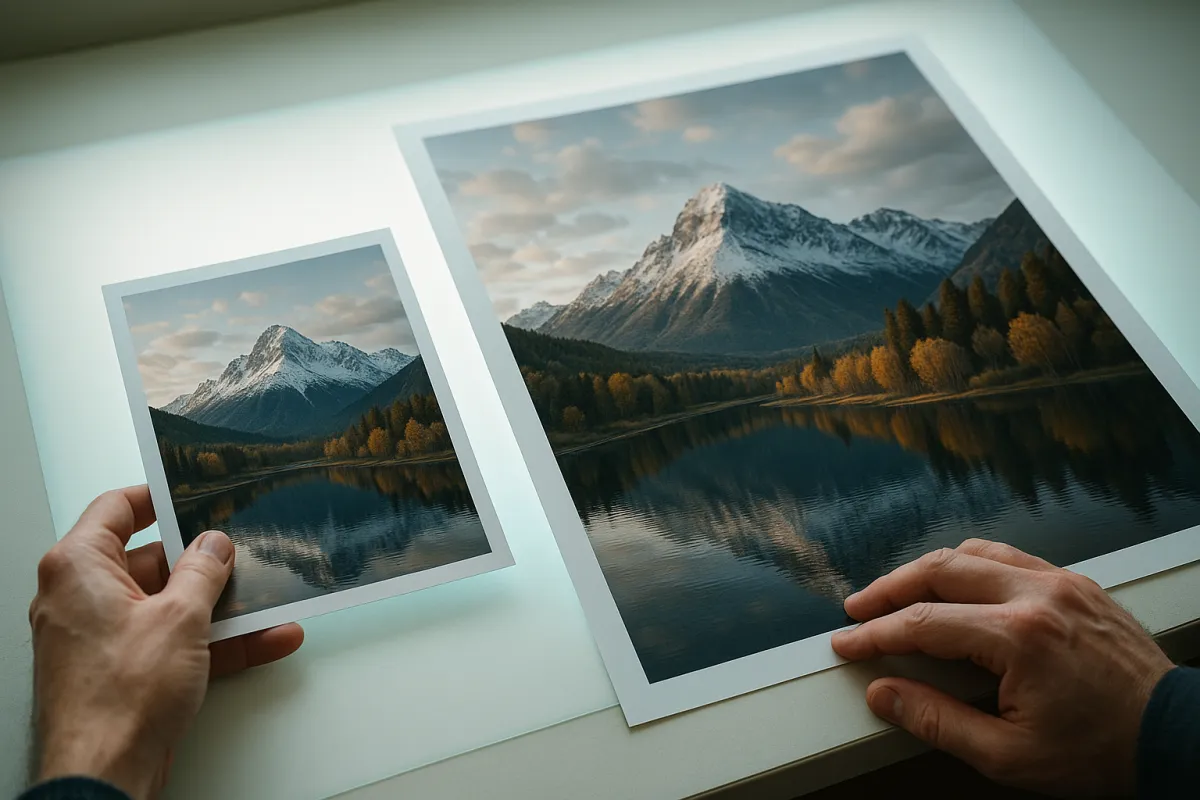
The cleanest way to find your real requirement is to work backward from the biggest print you actually make, because printing is the single most demanding thing most people ask of resolution. Prints are typically figured at around 300 dots per inch, the density at which a normal eye at reading distance stops seeing individual dots. Multiply the print’s dimensions in inches by 300, multiply those two figures together, and divide by a million, and you have the megapixels the print resolves fully.
Do that math and the numbers land far lower than instinct expects. A 4x6 print at 300 dots per inch needs about 2 megapixels. An 8x10, the classic framed enlargement, needs about 7. A 16x20, a serious wall piece, needs around 28. A big 24x36 poster, figured at full desktop density, reaches into the tens of megapixels, but here reality intervenes helpfully: large prints are viewed from far away, and at across-the-room distance the eye resolves far less, so posters look crisp at much lower per-inch density than a print held at arm’s length. The practical upshot is that a 24-megapixel body prints cleanly to sizes most enthusiasts never exceed, and only genuinely large, closely inspected prints ask for more.
Megapixels needed by print size at 300 dots per inch
Full-detail resolution for each print size. The poster figure assumes close inspection; from a distance it needs far fewer. Illustrative.
A 24-megapixel body covers everything up to a large wall print. Only close-inspected posters push past it, and viewing distance quietly lowers even that bar. Price your real largest print in the planner before buying resolution for one you will never order.
Screens show even fewer
If printing is the demanding case, screens are the humbling one, because nearly every photograph made today lives its whole life on a display, and displays resolve startlingly few pixels. A standard high-definition screen shows about 2 megapixels. A sharp laptop or tablet lands somewhere in the single-digit millions. Even a 4K monitor or television, the high end of what most people own, resolves only about 8 megapixels across its entire surface, and that is the full screen, not the portion a single photo occupies.
The web crushes the number further. Social platforms, messaging apps, and most websites deliberately downsize uploads to a couple of megapixels or less to save bandwidth, which means the 24-megapixel file you captured is shown to your audience at a small fraction of its resolution, the rest thrown away before anyone sees it. The honest conclusion is uncomfortable for the number-chasers: for the way the overwhelming majority of photographs are actually viewed, on a phone, in a feed, on a screen, resolution stopped being a limiting factor years ago. If your work lives on screens, the entire megapixel race is happening in a room your photos never enter.
Why more megapixels can hurt
Here is the part the marketing never mentions: past your real requirement, extra megapixels are not free, and they are not merely wasted, they can actively degrade the experience and sometimes the image. The costs come in several forms, and they compound. The most immediate is file size. Double the megapixels and you roughly double the storage each photo consumes, which fills memory cards faster, slows the camera’s buffer during burst shooting, lengthens transfers, bloats backups, and taxes your computer every time you edit. A high-resolution body can turn a smooth editing session into a stuttering one, and a weekend shoot into a storage problem.
The subtler cost is optical, and it hits small sensors hardest, which is the subject of the next two sections. But even setting image quality aside, the workflow tax alone is real: photographers who jump to a very high-resolution body frequently report that the files, not the photos, become the daily reality, more time managing, culling, and storing, for a resolution advantage they never actually output. Buying resolution you will not print or crop is buying a permanent cost with no visible return, which is close to the definition of a bad purchase.
Sensor size is the real quality driver
If megapixels are not what make a photo look good, what is? Overwhelmingly, it is the physical size of the sensor and the quality of the lens, with processing close behind. A larger sensor collects more total light, which is what actually buys cleaner low-light images, smoother tonal transitions, and the gentle background blur people associate with professional work. This is the whole subject of our field note on full-frame versus crop sensors, and it is the single biggest lever on image quality that the megapixel number completely ignores.
What actually determines image quality
Rough contribution of each factor to how a photo looks, once resolution clears your output need. Illustrative.
Megapixels are the smallest slice, and even that shrinks once resolution clears your print size. The money that changes photos lives in the sensor and the glass, which is where the planner keeps steering it.
The reason this matters to the megapixel question is that resolution and quality can even work against each other. Adding pixels to a fixed sensor size makes each individual photosite smaller, and smaller wells collect less light each, which is one reason a high-megapixel small sensor can look noisier than a lower-megapixel one of the same size. So the number that marketing treats as the quality figure is, past a point, in tension with the factors that genuinely produce quality. Read a spec sheet with the sensor size first and the megapixel count last, and you are reading it in the order that matches how photographs actually look.
Cropping: the one honest case for more
Every rule has its honest exception, and for megapixels it is cropping. Because a crop discards the pixels outside the new frame, resolution is the reserve you spend when you cannot fill the frame in the moment, and the more you crop, the more starting resolution you need to keep the survivor sharp. If your output needs 12 megapixels and you routinely crop to half the frame, you want to start near 24, so the surviving half still clears your requirement. Crop to a quarter and the arithmetic doubles again.
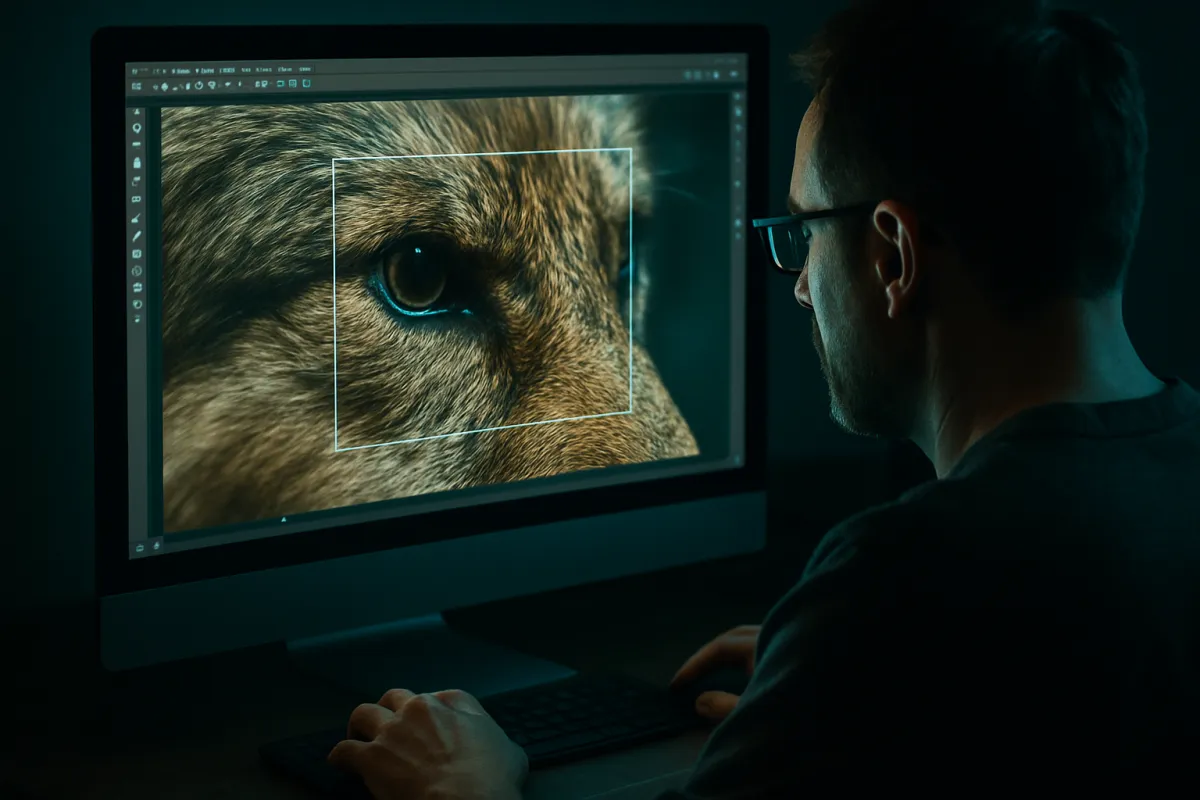
This is the real, defensible reason a photographer buys more resolution than their print size demands, and it points at specific people: wildlife shooters who cannot walk up to the bird, sports and event photographers working from fixed positions, and anyone whose subjects refuse to fill the frame. For them, extra megapixels are not vanity, they are working headroom, effectively a bit of extra reach recovered in editing. The discipline is to size the reserve to your actual crop habit and stop there. Resolution bought for crops you never make is resolution wasted, so estimate honestly, protect the crop you really take, and let the budget planner tell you what that headroom is worth against the glass it could have bought instead.
Phone cameras and the pixel-binning trick
Nowhere is the megapixel number more theatrical than on phones, where boxes advertise 48, 108, even 200 megapixels, figures that dwarf serious cameras. The trick is that phones almost never deliver those numbers. A phone sensor is physically tiny, and to cram 108 million photosites onto it, each well is made microscopically small, far too small to gather clean light on its own. So the phone does something clever: by default it combines those tiny wells in groups, often nine into one, and outputs a much lower-resolution file, commonly around 12 megapixels, where each output pixel pools the light of many. This is pixel binning, and it is why a 108-megapixel phone hands you a 12-megapixel photo.
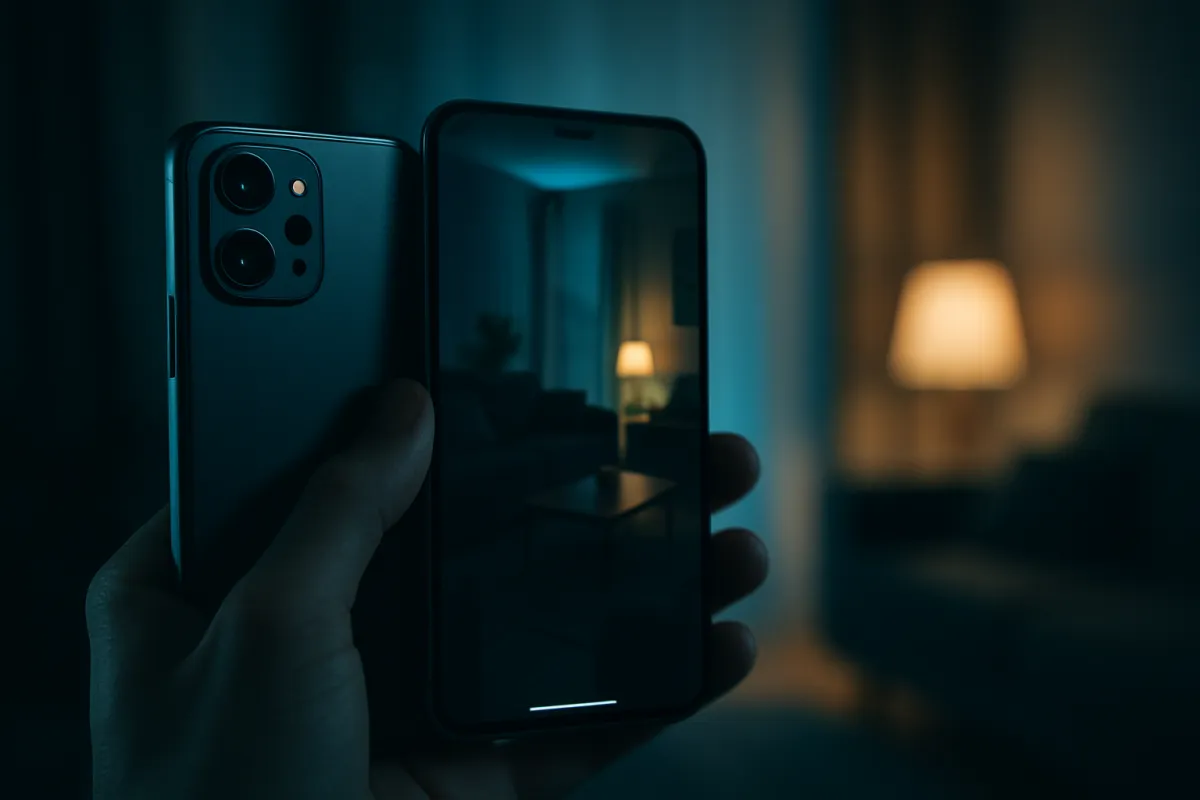
The takeaway is liberating once you see it. The giant number on the phone box is a specification of the sensor’s raw grid, not the resolution of the photos you will actually take and share, and the binned 12-megapixel output is a deliberate choice that trades the paper resolution for cleaner, less noisy images. A well-binned 12 megapixels from a good sensor beats a raw high-count file from a worse one, every time the light is less than perfect. So when comparing phones, ignore the headline megapixel figure almost entirely and judge the photos, the sensor size, and the processing, exactly the factors that matter on a real camera too.
How many megapixels for a phone camera
Given all that, the practical answer for a phone is that the megapixel number should be near the bottom of your list, and any modern phone already carries far more raw resolution than its own output uses. Because the delivered file is typically a binned 12 megapixels or so, the meaningful questions are how large the sensor is, how good the processing is, and how the photos actually look in the conditions you shoot, especially dim indoor and evening light where phone sensors struggle most. Two phones with identical megapixel figures can produce visibly different images, and the better one is decided by everything except that figure.
If you want a rule of thumb, treat any current phone’s resolution as already sufficient for screens, sharing, and normal prints, and choose between phones on their camera systems, their low-light behavior, and their computational photography, not their pixel counts. The one time a phone’s high native resolution helps is the same as on a real camera: cropping, where shooting in the full-resolution mode gives you room to reframe. Outside that, the phone megapixel race is marketing aimed at a number that the phone itself quietly declines to use.
When high resolution genuinely matters
To be fair to the high end, there are real photographers for whom 45 megapixels and beyond is not vanity but a tool, and naming them precisely is the best way to see whether you are one. Large-format print work comes first: landscape, fine-art, and gallery photographers who produce big prints meant to be examined closely bank every pixel at the far end of the quality curve. Studio and commercial photographers come next, shooting products, fashion, and architecture where clients may crop aggressively, print to billboard scale, or demand extreme detail, and where the controlled light removes the low-light penalty that high resolution otherwise carries.
The third group is the heavy croppers already discussed, wildlife and some sports shooters who treat resolution as reach. What unites all three is a real, nameable output that consumes the pixels: a big print, a demanding client, a hard crop. That is the test worth stealing from our sensor-size field note: the buyers delighted with high resolution can finish the sentence “I need these pixels because I actually…”. If your honest ending is “…share on Instagram and print the occasional 8x10,” the high-resolution body is a cost you will carry and a benefit you will never cash. There is no shame in not being the target customer for the expensive number.
The diminishing-returns curve
Zoom out and the whole megapixel story is a textbook diminishing-returns curve. The early climb was steep and real: going from 6 to 12 to 24 megapixels visibly expanded what you could print and crop, because those first pixels were doing genuine work against real output limits. Then the curve flattened. Past roughly 24 megapixels, for ordinary printing and screen use, each additional million pixels delivers less and less visible benefit, until the extra resolution is showing up only in file sizes, price, and spec sheets rather than in any photograph you look at.
The trap is that a curve which has flattened still keeps climbing on paper, so the marketing can keep selling a rising number that no longer buys a rising result. This is precisely the pattern our first-camera budget note warns about with gear generally: the last increment of a spec is almost always the worst value, and the smart money stops where the curve flattens and redirects the rest. For megapixels, that inflection sits comfortably below the top of the range for nearly everyone, which is why a mid-count body is not a compromise but the point on the curve where sense and spending agree.
What to prioritize instead of megapixels
If resolution is not where your next dollar belongs, where does it go? The honest priority order, drawn from our upgrade field note and our first-camera budget note, puts the lens first, because good glass improves sharpness, low-light ability, and background rendering in ways no pixel count can, and because lenses outlast every body you mount them on. Sensor size comes next, the true driver of the image quality people actually notice. Then lighting and support, the unglamorous purchases that change how photos look more than any body upgrade. Processing and autofocus follow, and megapixels sit at the very back of the line. If you are eyeing a new body for resolution alone, our field note on whether to upgrade your camera shows how to confirm pixels are truly your wall before you pay for more of them.
The practical move is to set your resolution requirement from your real output, confirm that almost any current body already clears it, and then let the megapixel spec fall out of the decision entirely, choosing your camera on sensor size, lens ecosystem, autofocus, and handling instead. The money you decline to spend chasing pixels becomes a better lens, a light, or simply money kept, all of which do more for your photographs than resolution you cannot see. Put your own numbers through the budget planner and the reallocation makes itself obvious.
Video resolution is not photo megapixels
A common tangle worth straightening: video resolution and photo megapixels are different measurements, and confusing them leads people to over-buy. 4K video, the high end most people shoot, is only about 8 megapixels per frame; even 8K video is roughly 33 megapixels per frame. So a camera with a 24-megapixel sensor has ample resolution for any video most people will ever produce, and the enormous stills numbers on high-resolution bodies are not what makes their video good.
What actually makes video good is a different list entirely: sensor size and low-light behavior, in-body or lens stabilization, autofocus reliability while moving, frame-rate and codec options, and heat management during long recordings. None of those track the still-photo megapixel count, and some high-resolution stills bodies are mediocre video tools while modest-resolution ones excel. If video is part of your plan, evaluate it on its own specifications, and do not let a big stills megapixel number stand in for video capability it does not describe. As with everything in this note, the headline number and the thing you actually want are simply not the same measurement.
File size, storage, and the hidden tax
It is worth putting real weight on the storage cost, because it is the megapixel penalty people feel every single day, long after they have forgotten the print they bought the resolution for. Higher resolution means larger raw files, and the growth is relentless across the whole workflow: cards fill faster and cost more, the camera’s buffer clogs sooner during action, imports and exports drag, editing software slows as it pushes bigger files, and your backup strategy, local and cloud, inflates in size and cost forever. A high-resolution body does not just cost more to buy; it costs more to live with, month after month.
None of that shows up in the store, which is what makes it a hidden tax. The reviewer’s sample images and the box’s headline number never mention that the files will reshape your storage habits and slow your computer, yet for many owners of very high-resolution bodies, this becomes the dominant daily experience of the camera. Weigh it honestly before buying: if you will not output the resolution, you are paying the storage tax in perpetuity for a benefit that never appears in a photograph. The lower-resolution body is not only cheaper to buy, it is lighter to own.
Low light: where extra pixels bite back
The sharpest way that chasing resolution can backfire is in low light, and the mechanism is worth understanding because it inverts the marketing entirely. On a sensor of a given size, adding megapixels means dividing the same light-collecting area into more, smaller wells. Each smaller well gathers less light, and when light is scarce, that can mean more visible noise per pixel compared with a lower-resolution sensor of the same size, whose larger wells each drink more light. This is why several superb low-light cameras and flagship phones deliberately hold resolution down: the bigger photosites buy cleaner images in the dark.
Modern processing narrows this gap, and viewed at the same final output size the difference is smaller than pixel-peeping suggests, but the principle stands and it matters most to exactly the people who shoot in hard light: event, concert, wedding, and indoor photographers. For them, a moderate-resolution body on a larger sensor can genuinely outperform a higher-resolution one when the lights go down, which is the opposite of what the megapixel number promises. If your photography lives in dim rooms and evenings, resolution is not just neutral, it can be working against you, and our sensor-size field note is the companion read for buying the low-light performance that actually helps.
Diffraction and the lens ceiling
One more physical ceiling quietly caps the usefulness of extreme resolution: the lens has to be able to resolve the detail the sensor can record, and physics itself sets a limit. As you stop a lens down to a small aperture for depth of field, an optical effect called diffraction softens the image, and on a very high-resolution sensor that softening becomes visible at wider apertures than it would on a lower-resolution one. In other words, past a point, the sensor can out-resolve what the lens and the laws of optics will hand it, and the extra pixels record blur in fine detail rather than more detail.
The practical meaning is that very high resolution demands very good lenses used at their best apertures to deliver its promise, and paired with an ordinary lens or shot at a small aperture, much of the resolution simply is not captured. This ties the whole note together: resolution is the last link in a chain that runs sensor, lens, technique, and light, and it can never outperform the weakest link ahead of it. Buying a high-megapixel body without the glass and technique to feed it is buying a number the rest of your kit cannot cash, which is why the glass-first order in our budget note beats the pixel-first instinct every time.
A worked example: matching megapixels to output
Put it all together with a concrete case. Say you are an enthusiast who shares mostly on screens, prints an occasional 8x10 for the wall, and crops modestly, maybe to two-thirds of the frame on a typical keeper. Work backward: the 8x10 print needs about 7 megapixels, screens need far fewer, and your two-thirds crop means you want to start with roughly 10 to 11 so the surviving frame still clears the print. Round up for comfort and you land near 12 megapixels of genuine need, which means almost any camera made in the last decade, and every current one, clears your requirement with room to spare.
Now run the number a 24-megapixel body gives you: it doubles your comfortable headroom, covering heavier crops and larger prints you might grow into, at no penalty worth worrying about. A 45-megapixel body, by contrast, hands you tens of megapixels you have no output for, plus the file-size, storage, and low-light costs to carry them, in exchange for nothing you will ever see. That is the whole decision in one worked case: identify your largest real output, add honest crop headroom, and buy the modest body that clears it, then spend the difference where it shows. Our budget planner runs this same arithmetic on your own print size and crop habit in seconds.
Common megapixel mistakes
The recurring ways this decision goes wrong, so you can skip them.
- Reading the megapixel number as a quality score. It is a size specification. Sensor, lens, and processing decide quality, and they are nowhere in that number.
- Buying resolution for output you never produce. If your biggest print is an 8x10 and you share on screens, resolution past a modest body is a permanent cost with no visible return.
- Trusting a phone’s headline megapixels. The 108-megapixel phone hands you a binned 12-megapixel file on purpose. Judge the photos and the sensor, not the box.
- Ignoring the storage tax. Bigger files reshape your cards, computer, and backups forever, a daily cost the store never mentions.
- Forgetting low-light backfire. On a fixed sensor size, more pixels can mean more noise in the dark, exactly where many people most need clean files.
- Feeding a high-resolution body ordinary glass. Past a point the lens and diffraction cap what the sensor can capture, so the extra pixels record softness, not detail.
Each mistake is the headline number winning over the output that should decide, and the pattern repeats because the number is loud and the arithmetic is quiet. Doing the arithmetic, as you now have, is the whole defense, and it points almost everyone at less resolution and more everything-else.
Upscaling software and the shrinking case for resolution
A newer wrinkle deserves a mention because it further weakens the argument for buying resolution: software that enlarges images has grown genuinely capable, and it changes the print and crop math in the buyer’s favour. Modern enlargement tools, some using trained models, can take a moderate-resolution file and add plausible detail as they scale it up, so a 24-megapixel image can be pushed toward a larger print or a harder crop than its raw pixel count would traditionally allow. The results are not magic and they vary with the image, but for many photographs the enlarged file holds up well at normal viewing.
The practical effect is that the two honest reasons to buy extra resolution, big prints and heavy crops, both soften. If a print you once needed a high-resolution body for can be reached by enlarging a modest file in software, the case for carrying all those native pixels, and their storage and low-light costs, weakens further. This does not mean resolution never matters, and a genuinely detailed native file still beats an invented one when the difference is examined closely. But it does mean the buyer on the fence should factor in that the crop and print headroom they are paying a premium for can increasingly be added after capture, cheaply, to a smaller file. As with everything in this note, the honest move is to match resolution to real output, and let inexpensive software cover the occasional stretch rather than an expensive sensor you carry every day.
The bottom line
How many megapixels do you actually need? For the overwhelming majority of photographers, far fewer than the box implies, and a body in the 20-to-24 range clears nearly every real output an enthusiast produces: it prints past 16x20, fills any screen, and leaves honest room to crop. Megapixels are a size specification, not a quality one, and past your real requirement they buy bigger files, more storage, and sometimes more noise, in exchange for detail you will never see. Set your requirement from your largest print and your typical crop, confirm almost any current body clears it, and put the rest of the money into the lens, sensor, and light that actually shape a photograph. Match the resolution to the output with the budget planner, read the sensor size before the pixel count, and let the marketing keep its number; you will be out making better photos with less.
KitBorough field notes exist to explain the gear, not to sell a spec, and nothing above is sponsored or tied to any manufacturer. Every megapixel figure, print-size calculation, and cost here is an illustrative planning estimate rather than a measured result for any specific camera, and the real numbers shift with sensor design, processing, lens, and how and where you view the final image. Print requirements in particular depend on viewing distance and personal standards, so treat these as starting points and check your own output before you let any resolution number decide a purchase.
Frequently asked questions
How many megapixels is good for a camera?
For the vast majority of photographers, somewhere around 20 to 24 megapixels is more than good, it is comfortably past what your output uses. That resolution prints cleanly to 16x20 inches, survives moderate cropping, and shows every pixel a 4K screen can display with room to spare. The number that sells cameras, 45 megapixels and up, earns its keep only for large-print landscape, studio, and heavy-crop work. Buy resolution to match your biggest real output, not the biggest number on the box.
How many megapixels is good for a phone camera?
The megapixel figure printed on a phone box is close to meaningless on its own, because most high-count phone sensors do not output that many pixels. A 48 or 108 megapixel phone almost always combines its tiny photosites into groups and delivers a cleaner 12 megapixel file by default, a technique called pixel binning. So the honest answer is that 12 effective megapixels, well processed on a decent sensor, beats a raw 108 megapixel file from a worse one. Judge the photos and the sensor, not the headline number.
How many megapixels do you need for printing?
It depends entirely on print size, and the math is simple: at roughly 300 dots per inch, a 4x6 print needs about 2 megapixels, an 8x10 needs about 7, and a 16x20 needs around 28. A wall poster viewed from across a room needs far fewer per inch than the desktop math suggests, because viewing distance forgives resolution. These figures are illustrative, but they show the pattern: ordinary print sizes are satisfied by ordinary resolution, and only genuinely large prints reach past a 24 megapixel body.
Are more megapixels always better?
No, and past a point more can actively cost you. Higher resolution on the same sensor size means smaller photosites, which can gather less light each and show more noise when the light is thin, and it produces much larger files that fill cards, slow burst shooting, and burden your computer and backups. On a small sensor especially, cramming in pixels trades away low-light quality for a number. More megapixels help only when you actually print large or crop hard; otherwise they are a cost with no visible return.
Is 12 megapixels enough for a camera?
For screens, web sharing, and modest prints, 12 megapixels is genuinely enough, and plenty of celebrated professional work has been made at that resolution and below. Twelve megapixels prints a clean 8x10, fills any current screen, and leaves light cropping room. It starts to feel tight only when you want big prints or aggressive crops. Many flagship phones and some superb low-light cameras deliberately stay near 12 megapixels because the larger photosites buy cleaner images, which tells you the number was never the whole story.
Does megapixel count affect image quality?
Only in one narrow sense: more megapixels let you print larger and crop harder before pixels become visible. They do not, by themselves, make colors truer, dynamic range wider, low-light images cleaner, or focus sharper. Those qualities come from sensor size, lens quality, and image processing, which is why two cameras at the same resolution can produce visibly different files. Treat megapixels as a size specification, not a quality one, and spend your attention on the parts that actually shape how a photo looks.
How many megapixels do I need for cropping?
Cropping is the one honest reason to buy more resolution than your print needs, because every crop throws pixels away. If your output needs 12 megapixels and you routinely crop to half the frame, you want roughly 24 to start, so the surviving half still resolves. Wildlife, sports, and event shooters who cannot always fill the frame benefit most here. Estimate your typical crop honestly, size up to protect it, and stop, because resolution bought for crops you never make is resolution wasted.
Do professional photographers use high megapixel cameras?
Some do and many do not, and the split follows the work rather than the prestige. Landscape and studio photographers who print billboard-large or need extreme cropping latitude reach for 45 megapixels and beyond. Wedding, event, sports, and photojournalism professionals frequently choose 20 to 24 megapixel bodies on purpose, because the smaller files, faster shooting, and better low-light behavior serve paid work better than raw resolution would. The professional lesson is to match resolution to output, which for most jobs means resolution most enthusiasts already own.